


case-study
Flashcards App
A native iOS vocabulary trainer built on the Oxford 3000 — six practice modes, spaced repetition and a game layer, all running offline on the device.
- Vocabulary
- Oxford 3000
- Spaced repetition
- German ↔ English
- Personal app
- Swift
- SwiftUI
- iOS 26
- Swift Testing
the problem
Why I built it
I wanted to seriously grow my English vocabulary, but the apps I tried all sat at the wrong end of the spectrum. The big ones — Duolingo and friends — are heavily gamified and complex, and most trainers are built for someone starting a language from scratch. For people who already have a solid base and just want to push further, there was almost nothing.
So I set the bar differently: a trainer built on the Oxford 3000 — the 3,000 most important English words. Not standardised, primary-school vocabulary, but the pragmatic, high-value words that actually move the needle. That app didn't exist, so I built it.
There was a second motive. Building my own apps has fascinated me for years, and I wanted to find out what I could actually ship on my own — with AI as my pair — from an empty Xcode project to something I'd reach for every day.
the approach
The product decisions
One user first: me. It lives on the phone and nowhere else — no account, no backend, no sync. Every word, every answer and every point sits in the device's own storage, and nothing is sent anywhere. That framing kept the first version honest, and it is still the rule the app is built on today.
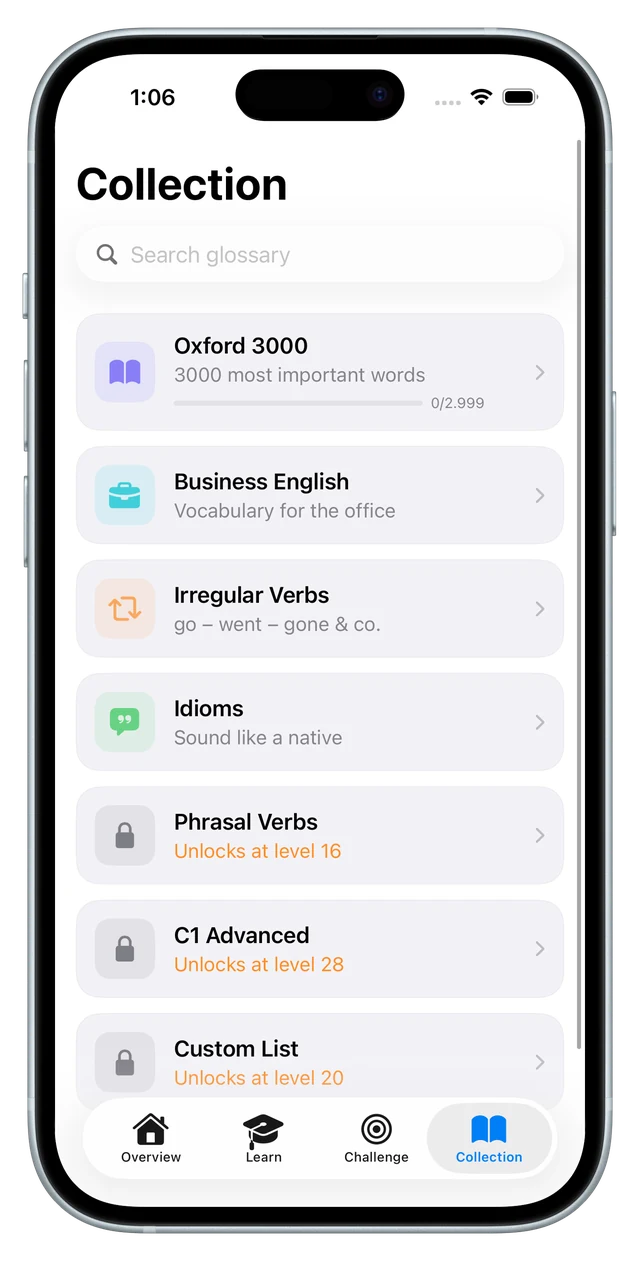
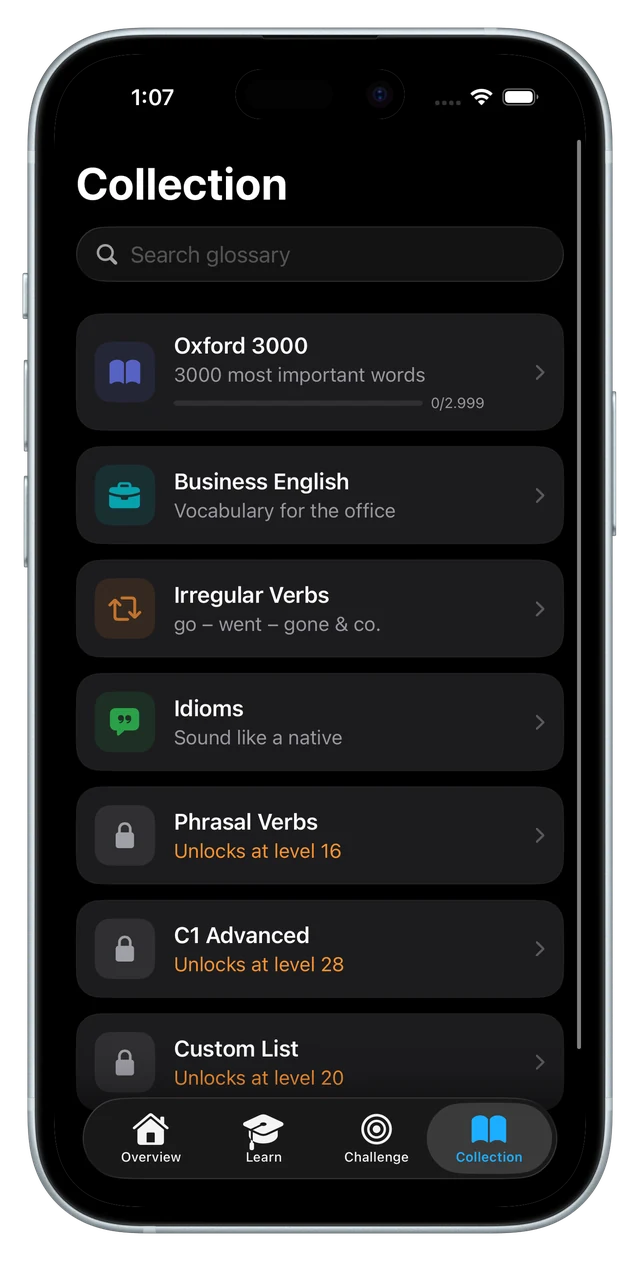
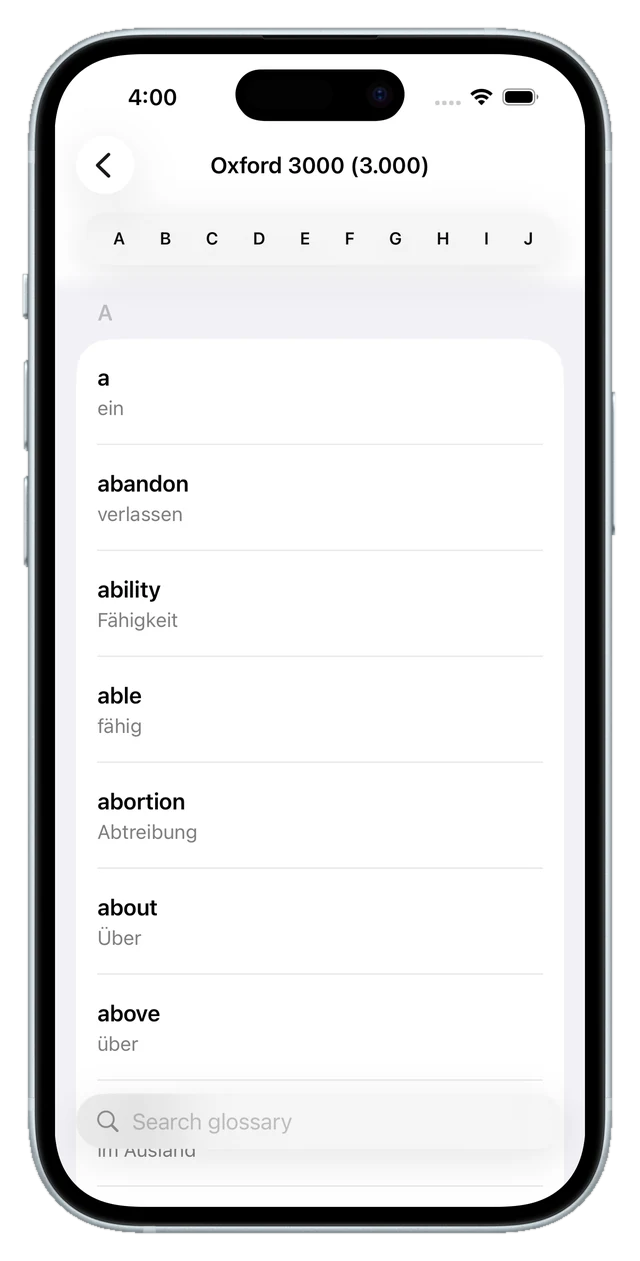
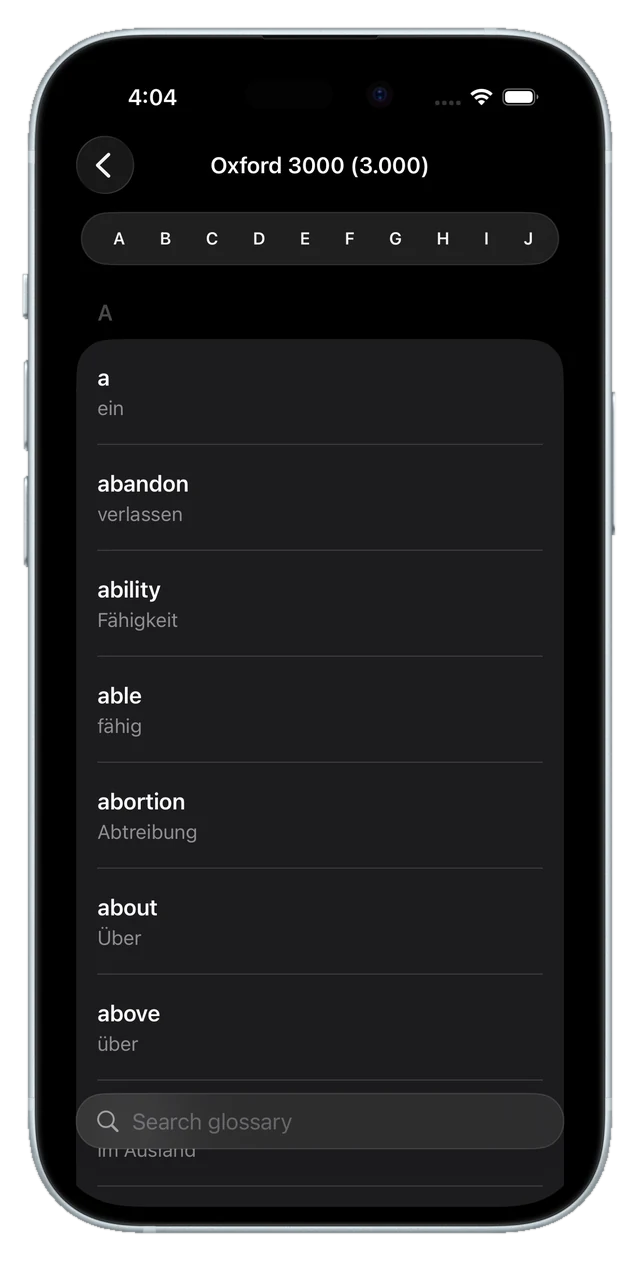
The dataset is the decision everything else hangs off. The official Oxford 3000 — 2,999 words — ships with the app as JSON, in a switchable German ↔ English direction. Around it there are now six more lists: irregular verbs, business English, idioms, phrasal verbs, a C1 set and a list of your own words, about 3,600 words in total. Nothing costs money; each list opens at a level instead.
One vocabulary, many angles. The same words feed six practice modes, so daily drilling never becomes one single exercise repeated forever — and XP, word status and the review schedule are shared across all of them, no matter which mode you answered in.
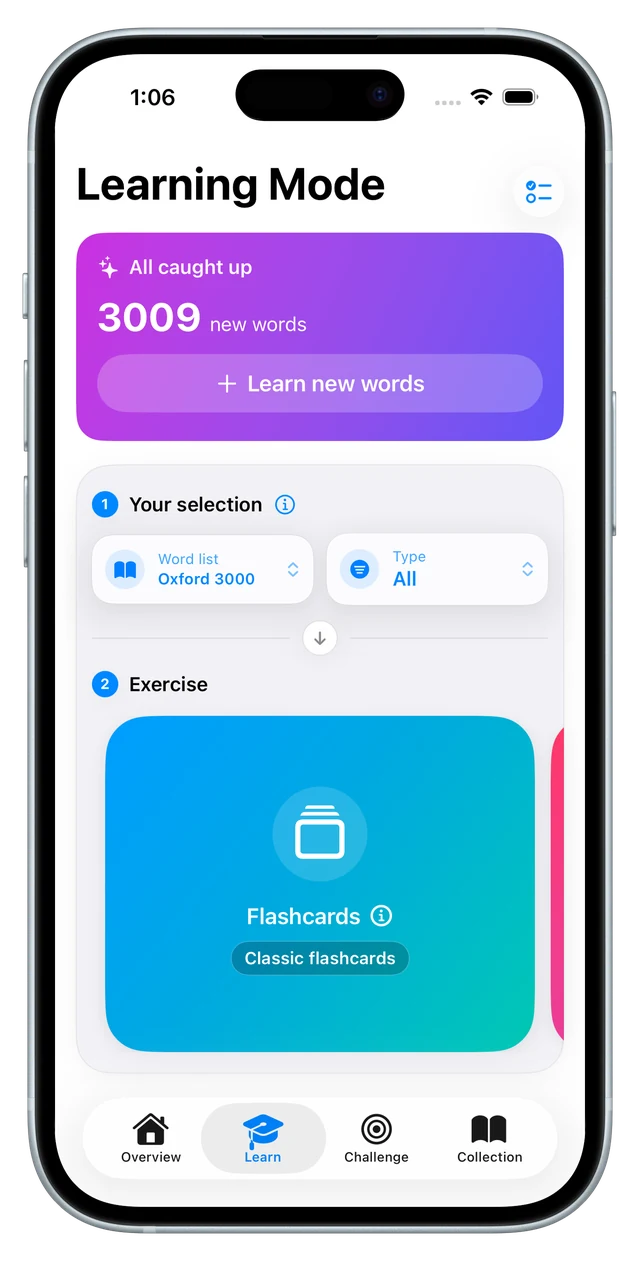
Progression instead of a menu. You start with the flashcards the app is named after; memory arrives at level 2, the quiz at 3, the typing mode at 5, drag & drop at 7 and the swipe quiz at 9. Word lists unlock the same way. It is a deliberately slow reveal: a first session shows one exercise and one list, not a wall of options.
For the interface I went with Apple's translucent Liquid Glass look, and in the rebuild the custom navigation went out in favour of the native iOS 26 tab bar — partly because it was genuinely easy to implement straight in Xcode, and partly because I just find that style beautiful.
how you practise
Six ways to drill the same words
Flashcards are the core: reveal the card, then rate yourself — again, hard, good or easy. That self-assessment is the only place where you grade your own answer; every other mode checks it for you.
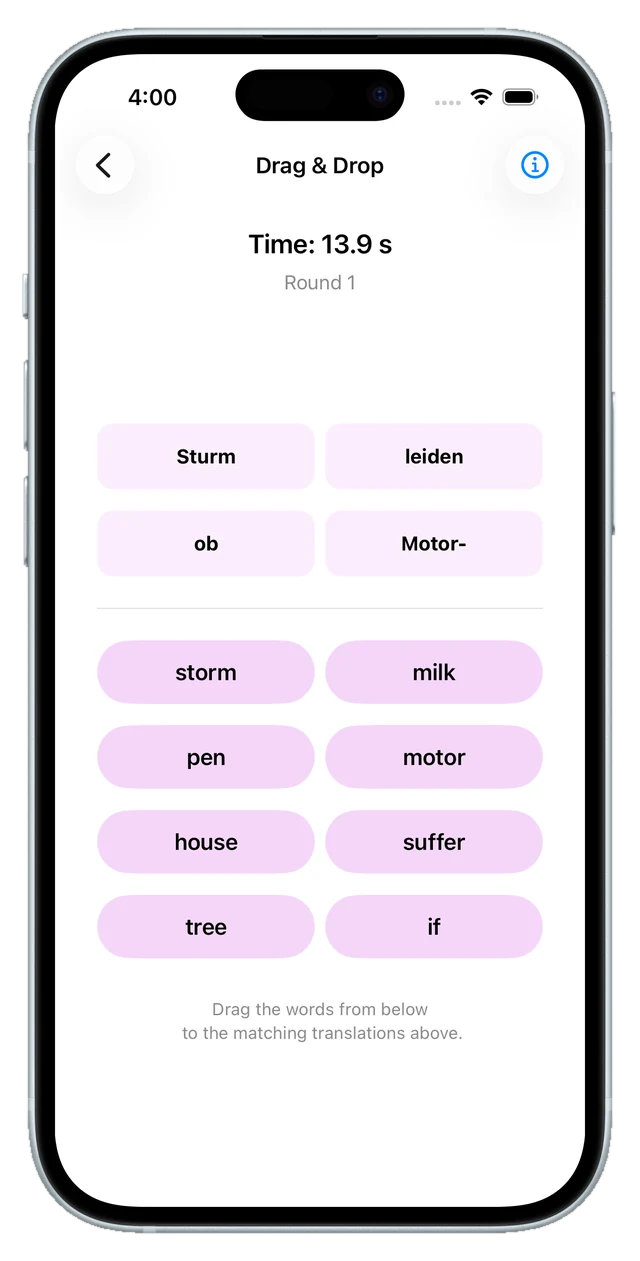
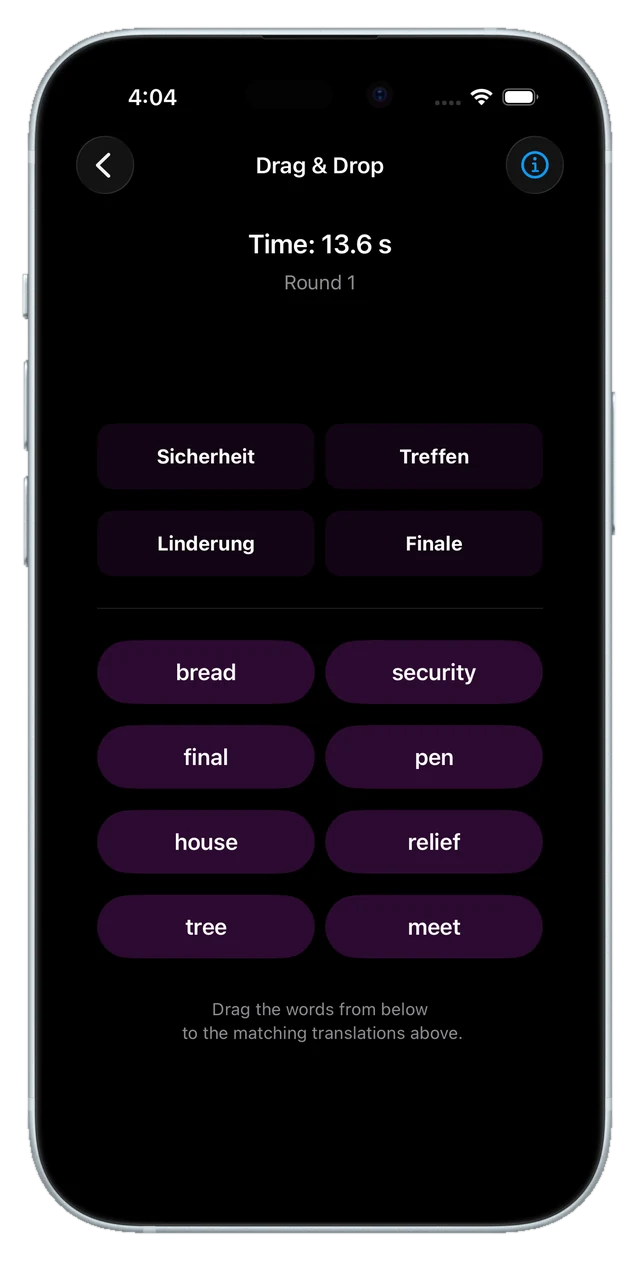
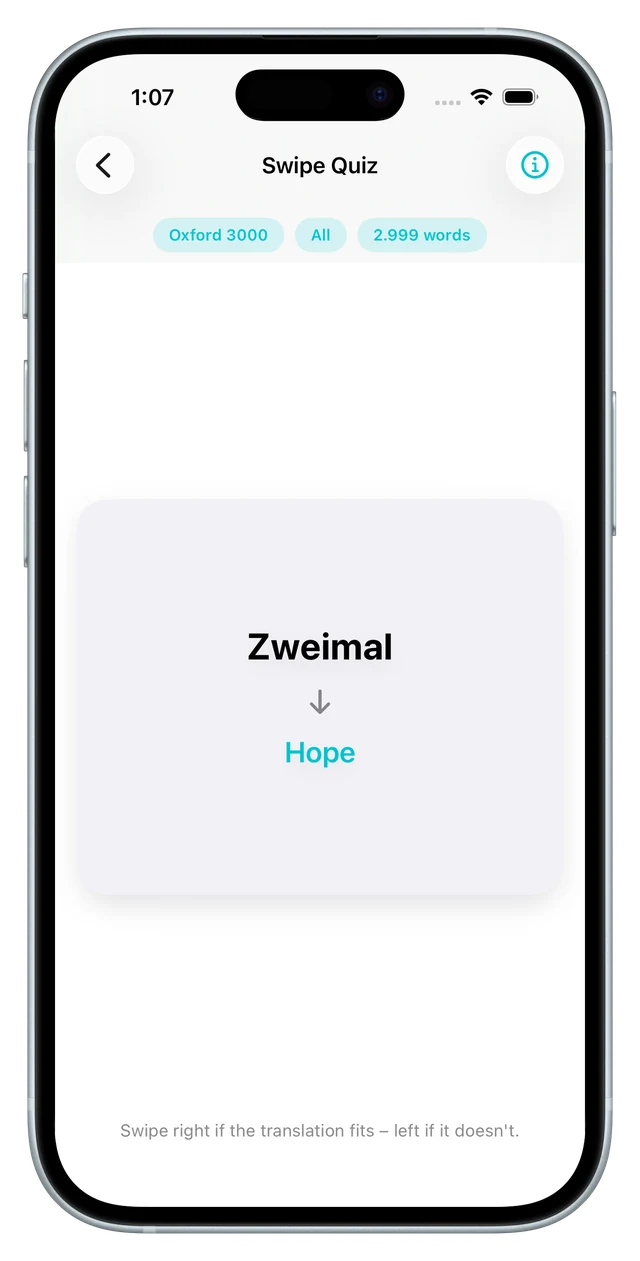
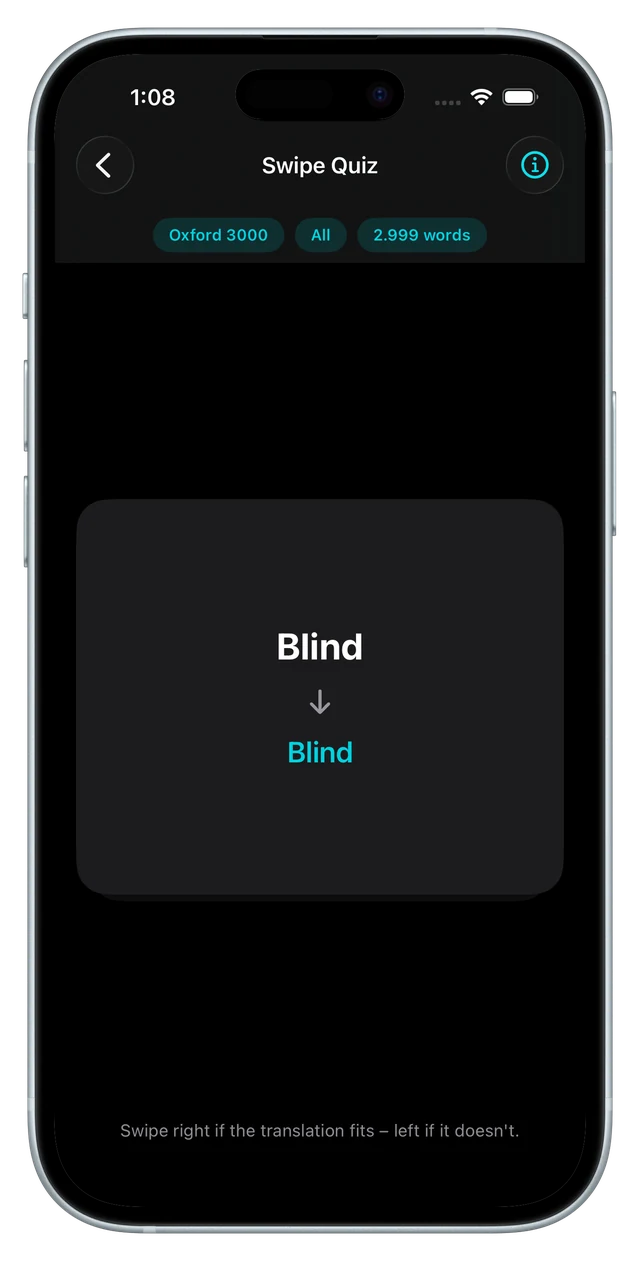
Memory turns a round into pairs to be uncovered. The quiz gives four options and one answer, with instant feedback. The typing mode makes you write the translation yourself — the most honest test of what has actually stuck, with a typo tolerance that accepts case and small slips rather than punishing a missing letter. Drag & drop pairs terms with translations at speed. And the swipe quiz, added in the rebuild, shows a word with a proposed translation: swipe right if it fits, left if it doesn't.
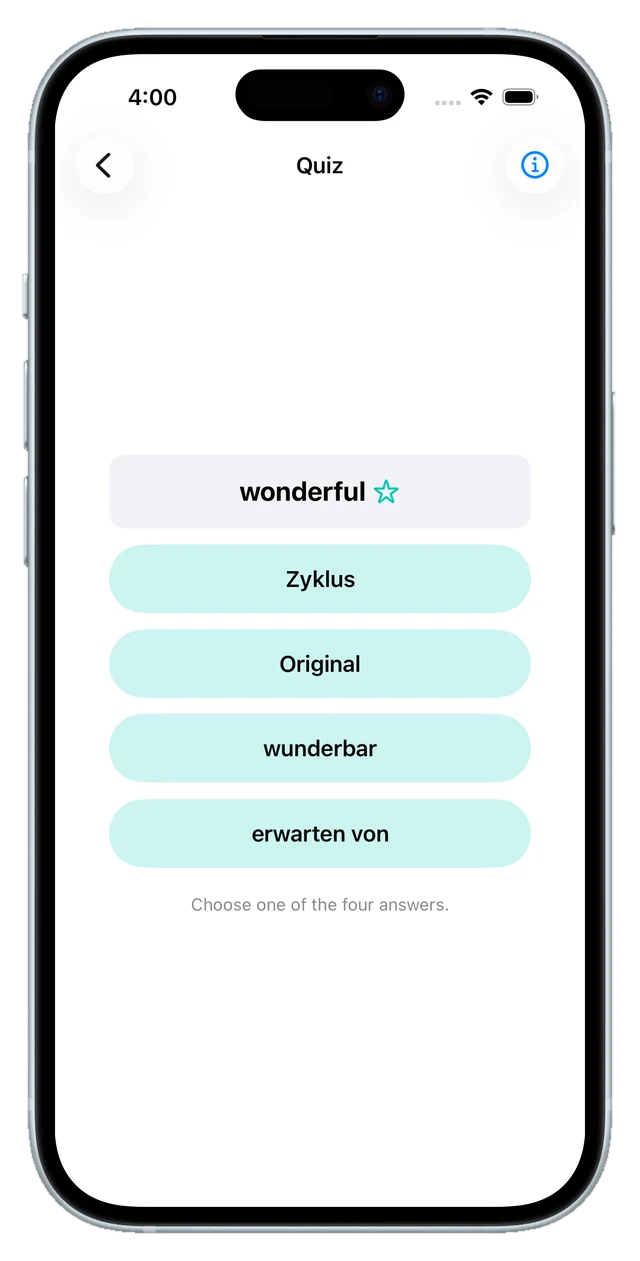
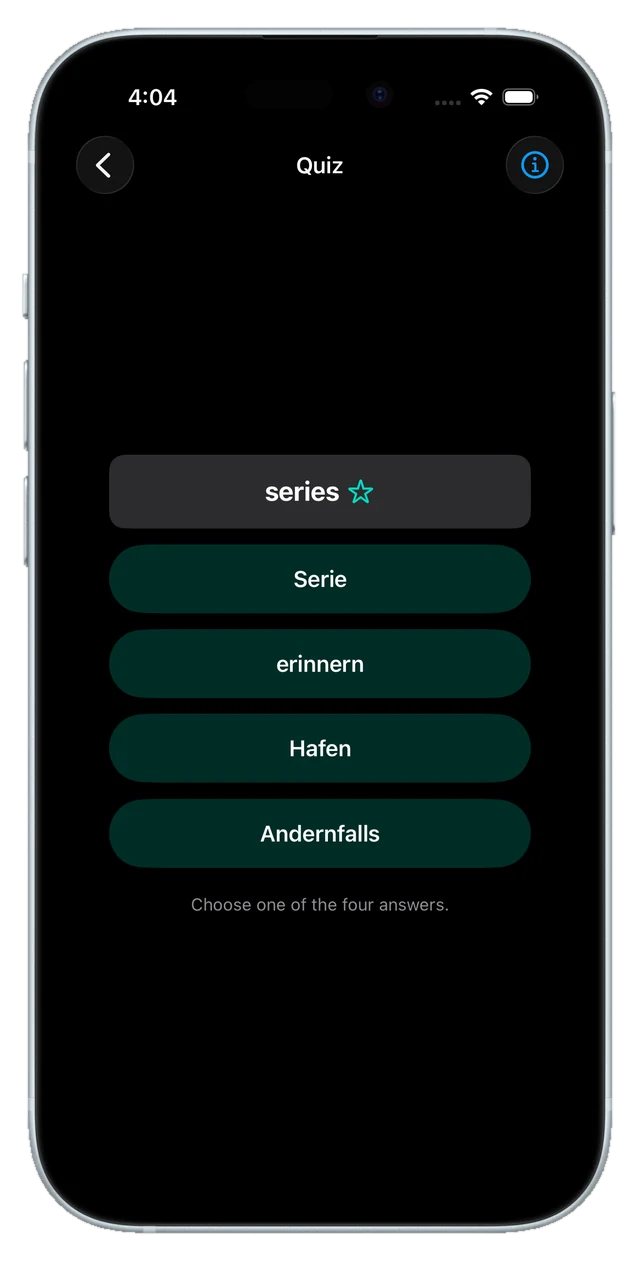
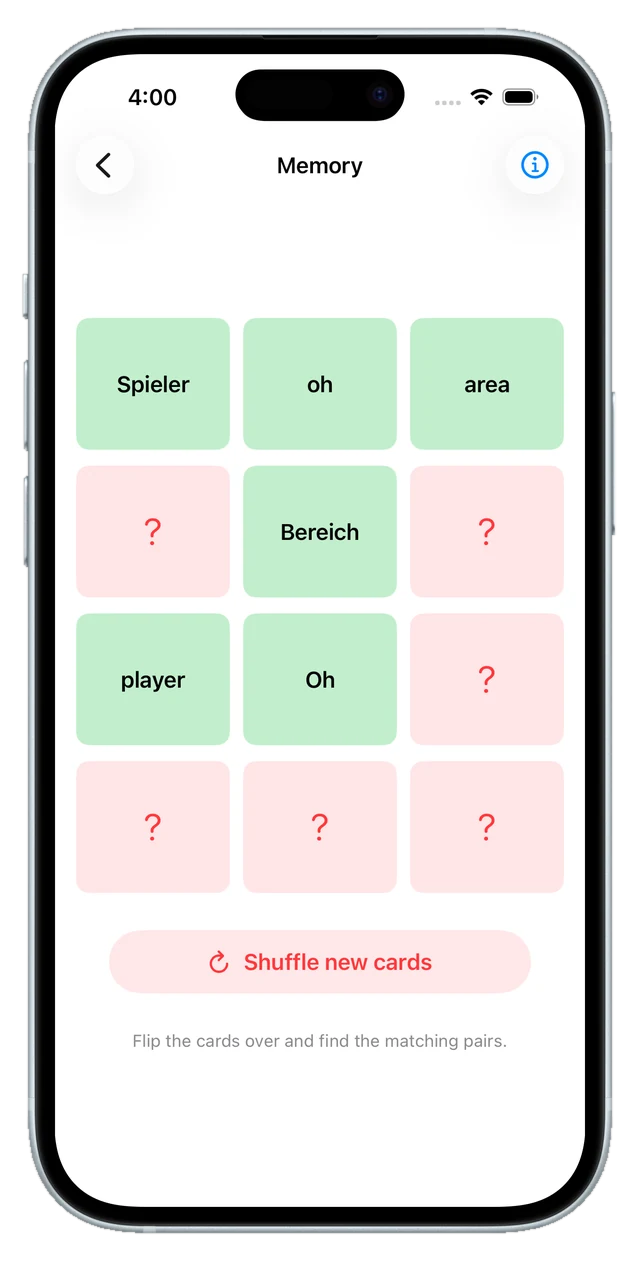
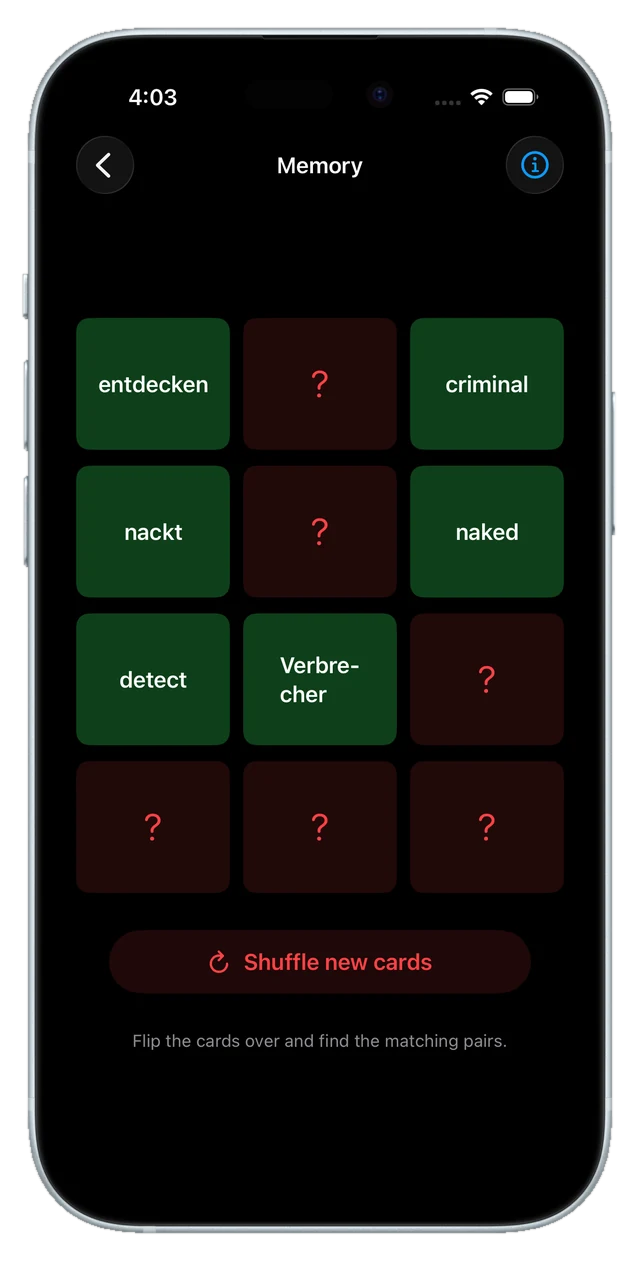
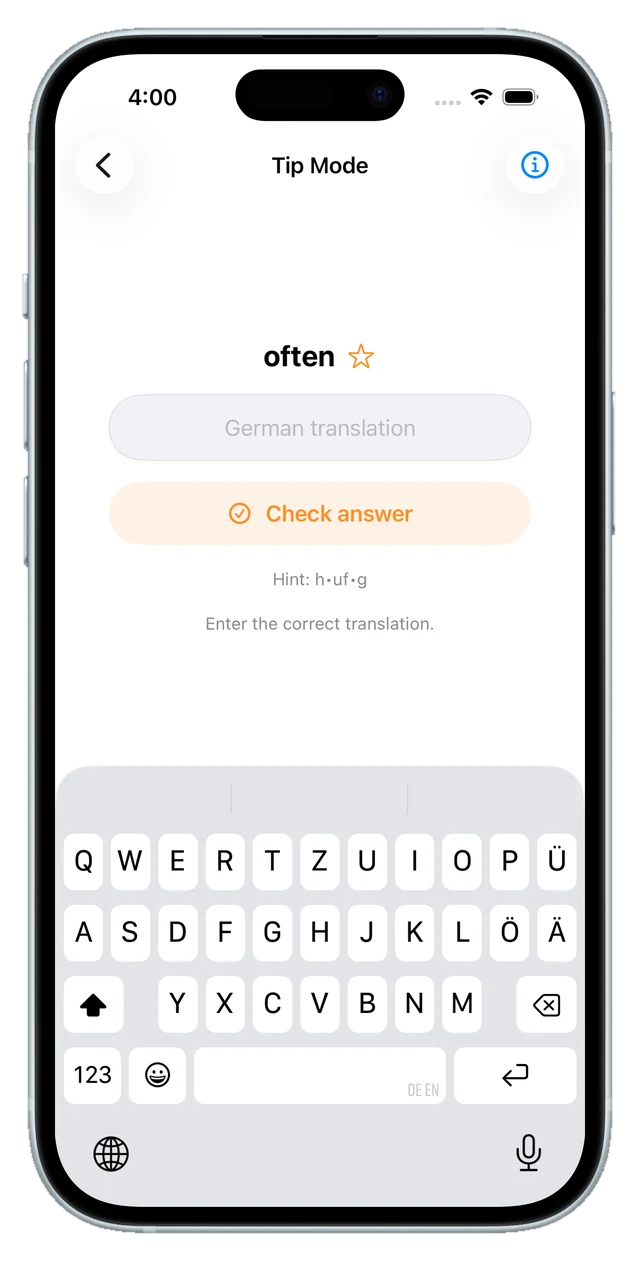
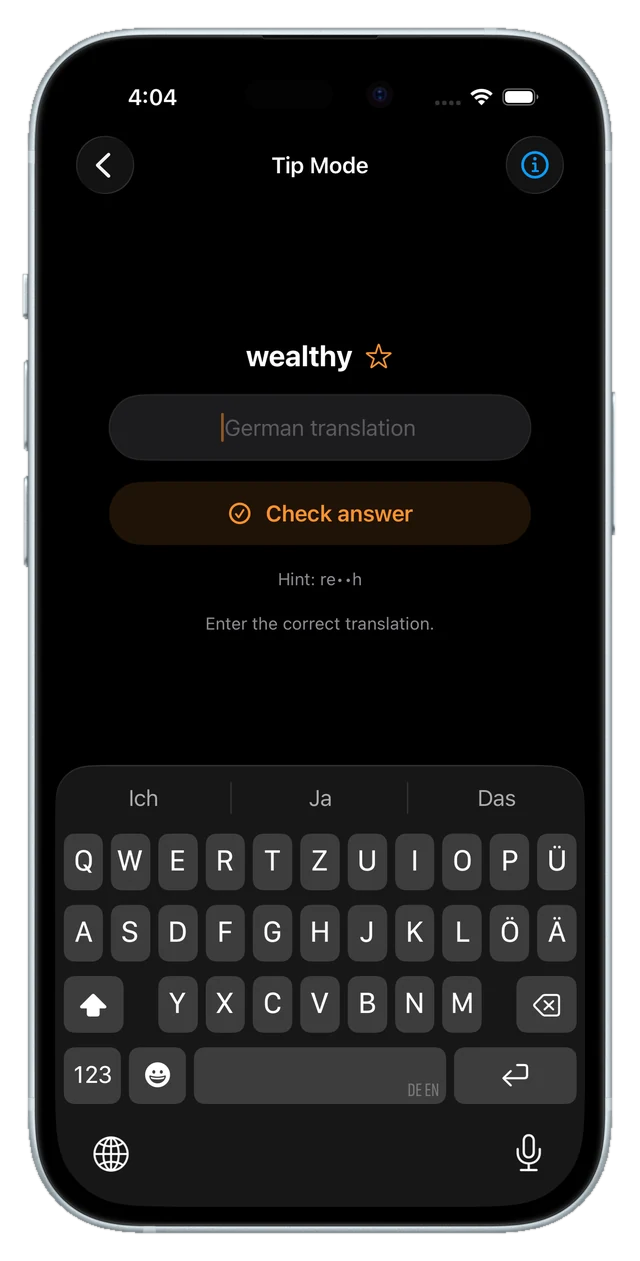
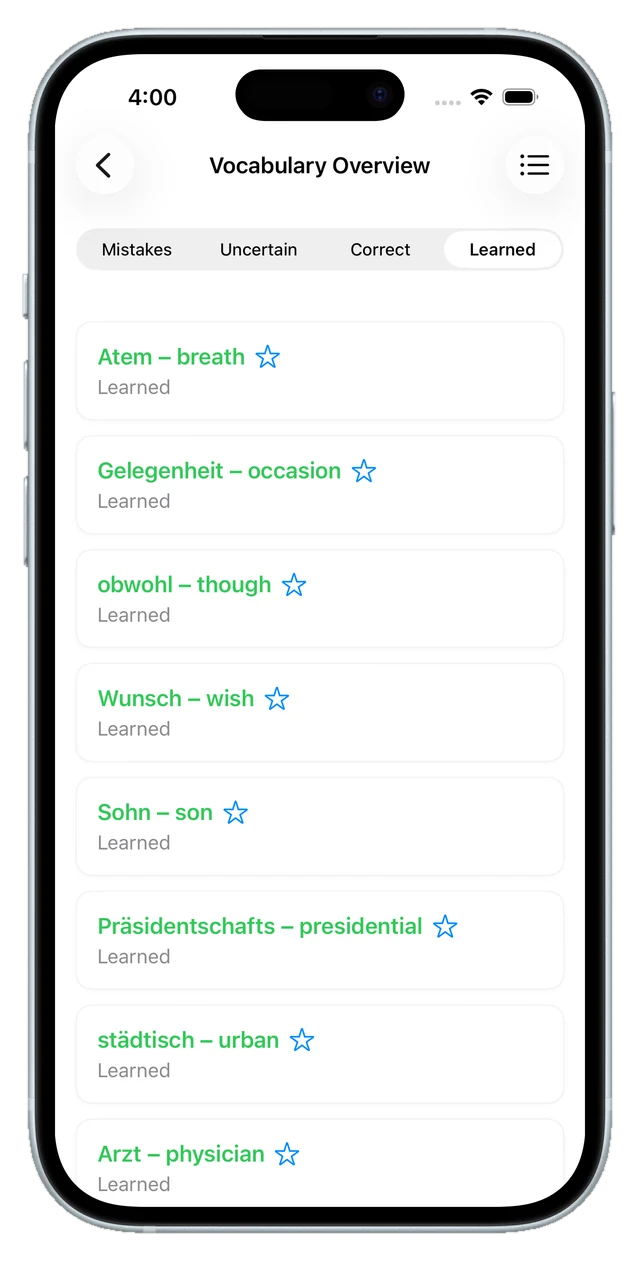
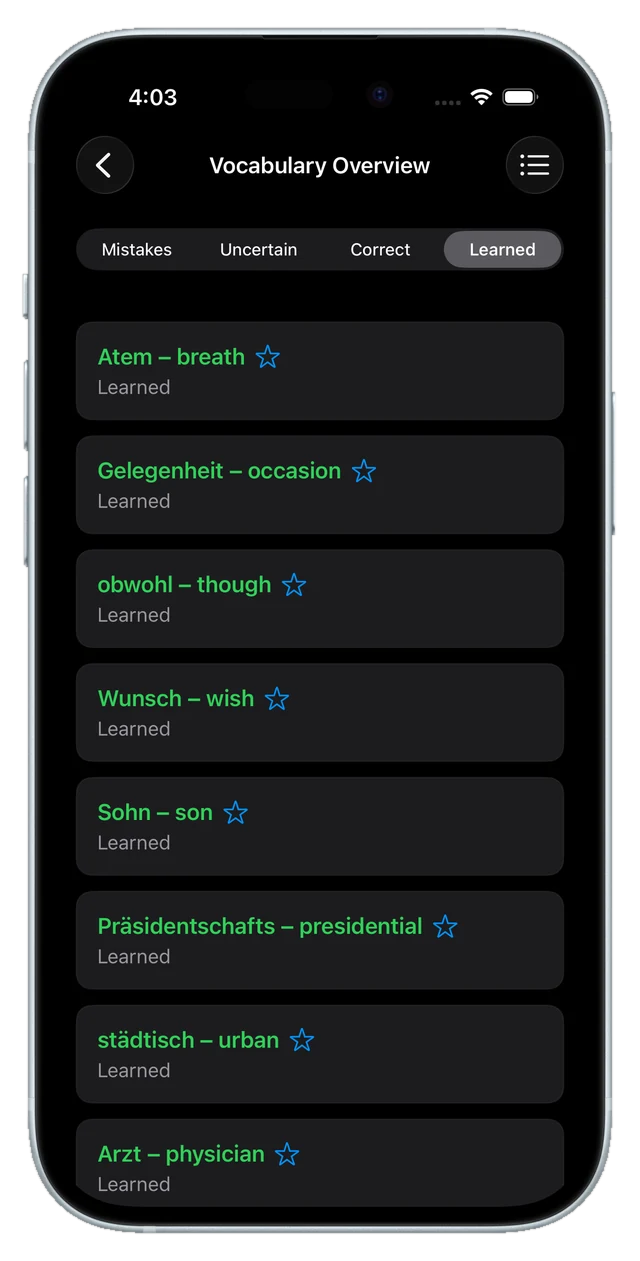
Every mode starts from the same two-step selection: which list, and which status — all, unlearned, correct, wrong, uncertain, learned or favourites. Practising only the words you got wrong last week is two taps, not a separate feature.
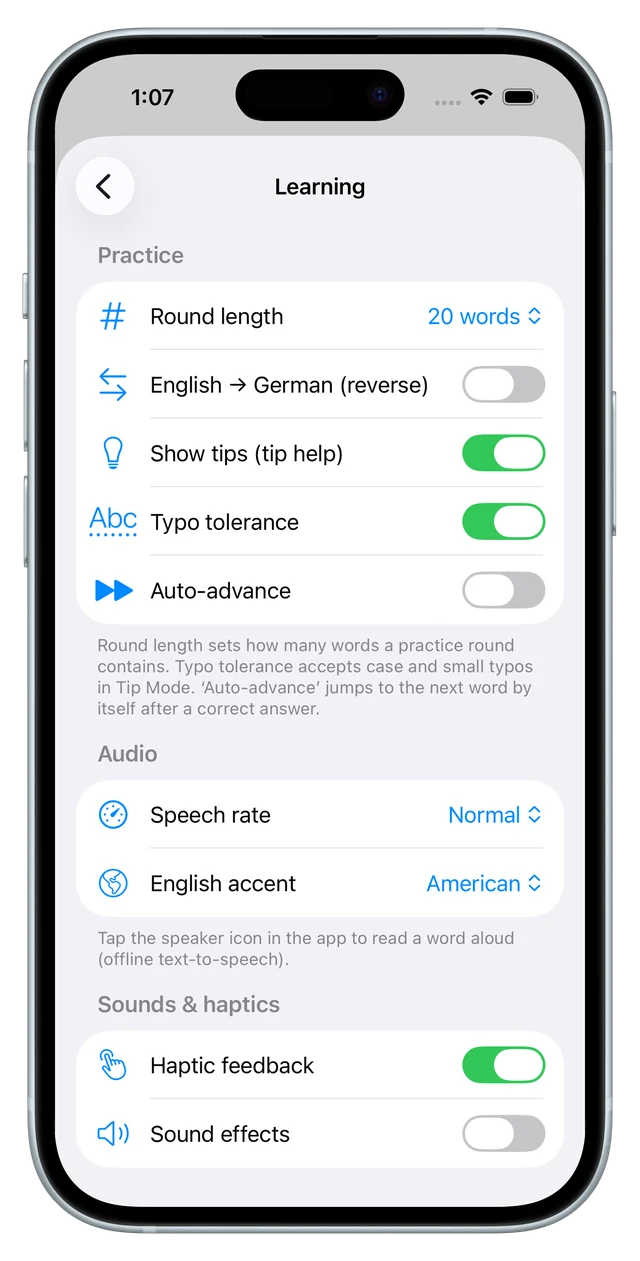
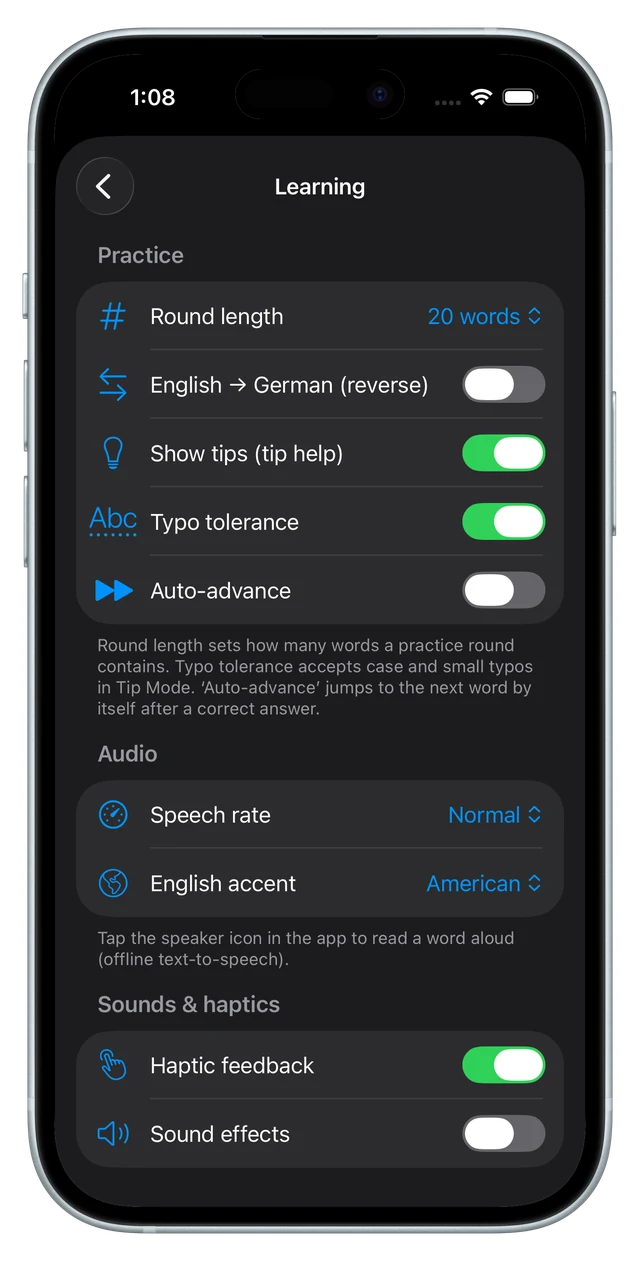
The settings shape the practice rather than the app: a round is 10, 20, 30, 50 words or unlimited; the direction can be reversed; auto-advance jumps to the next word after a correct answer; and a tap on the speaker reads the word aloud through offline text-to-speech, at your speech rate and in an American or British accent.
smart learning
What the app decides for you
The first version had no scheduling at all — it showed you words, and you decided what to do about them. Rebuilding that is the single biggest change the app has been through.
Underneath now sits spaced repetition: a Leitner ladder with intervals of 1, 2, 4, 8, 16, 32 and 60 days, plus an SM-2 ease factor per word that moves between 1.3 and 3.0. A good answer grows the interval, a wrong one resets it. In the flashcards your own rating feeds the schedule; in the checked modes the app grades for you, so the same answer counts the same wherever it happened.
There are two methods to choose from, and they differ only in how tightly words come back: scheduled review keeps the standard intervals, desirable difficulties deliberately shortens them so recall costs more effort — which feels harder now and sticks better later.
Once a word reaches the fifth box, it is mature enough to graduate on its own: it moves to “learned” with a bit of confetti, instead of waiting for you to press a button. The dashboard counts what is due today, and a tile offers your hardest words — the ones you actually keep getting wrong — as a ready-made round.
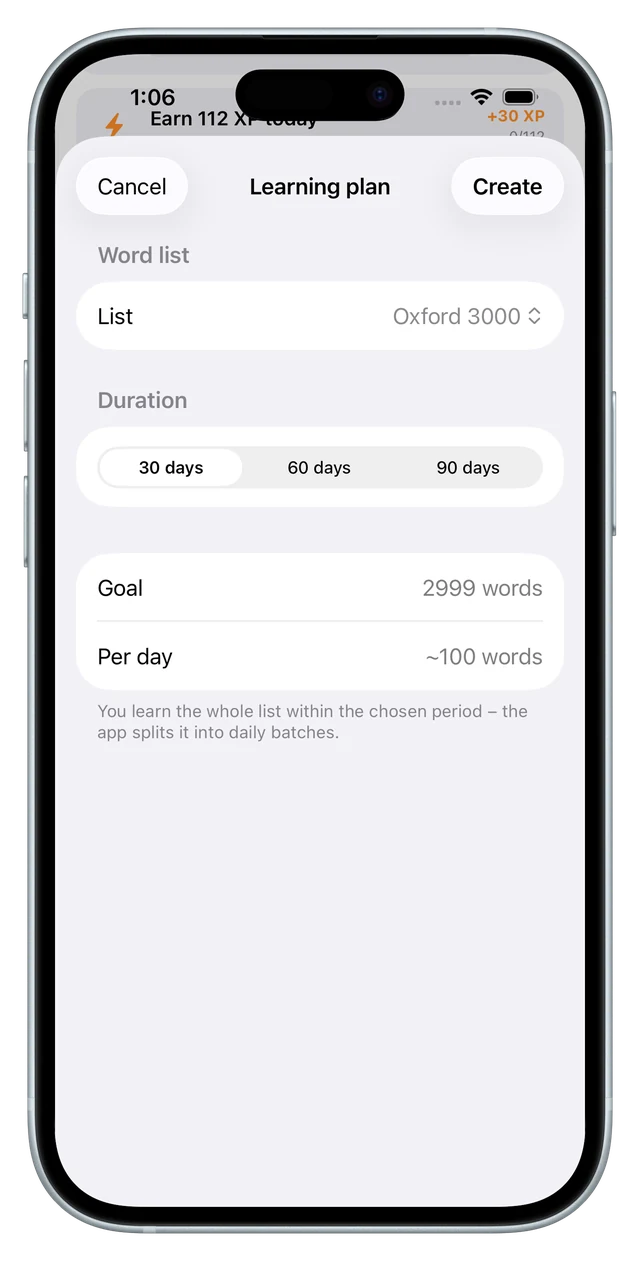
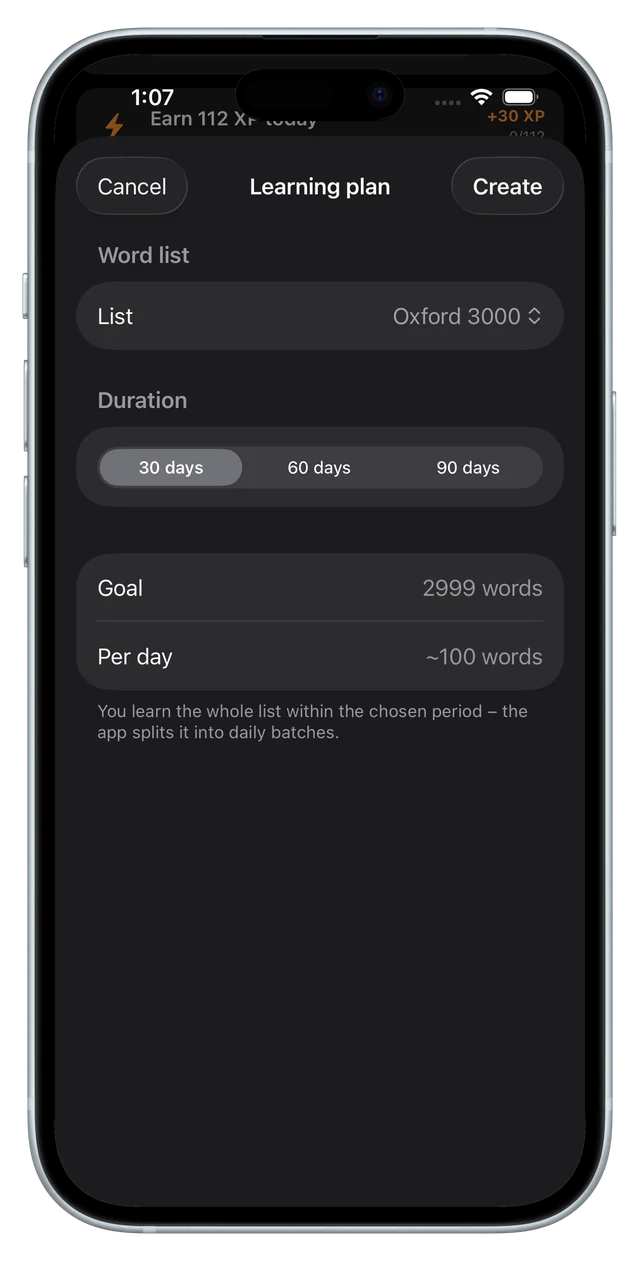
For a bigger goal there are learning plans: pick a list and 30, 60 or 90 days, and the app splits it into daily batches — roughly 100 words a day for the full Oxford 3000 in a month. And so you don't start at zero if you already speak English, onboarding offers an eight-question placement test that sets a starting level.
One more piece is quietly data-driven: the learning tip on the dashboard. Rules look at your real state — open mistakes, progress against the daily goal, streak, accuracy, favourites, time of day — and pick a tip that names actual numbers. Only when nothing matches does a generic one from the bundled set of 115 come up.
motivation
The game layer
Vocabulary is a habit problem more than a comprehension problem, so the rebuild grew a whole layer whose only job is getting me to open the app on a Tuesday evening.
Points are the base: +4 for a correct answer, −2 for a wrong one, +8 when a word graduates to learned — and more when you repair a mistake, +10 for turning an error into a correct answer, +15 for taking it all the way to learned. Levels run from 0 to 100 on a curve that gets steadily more expensive, and each stretch carries a rank, from Rookie to Language Hero.
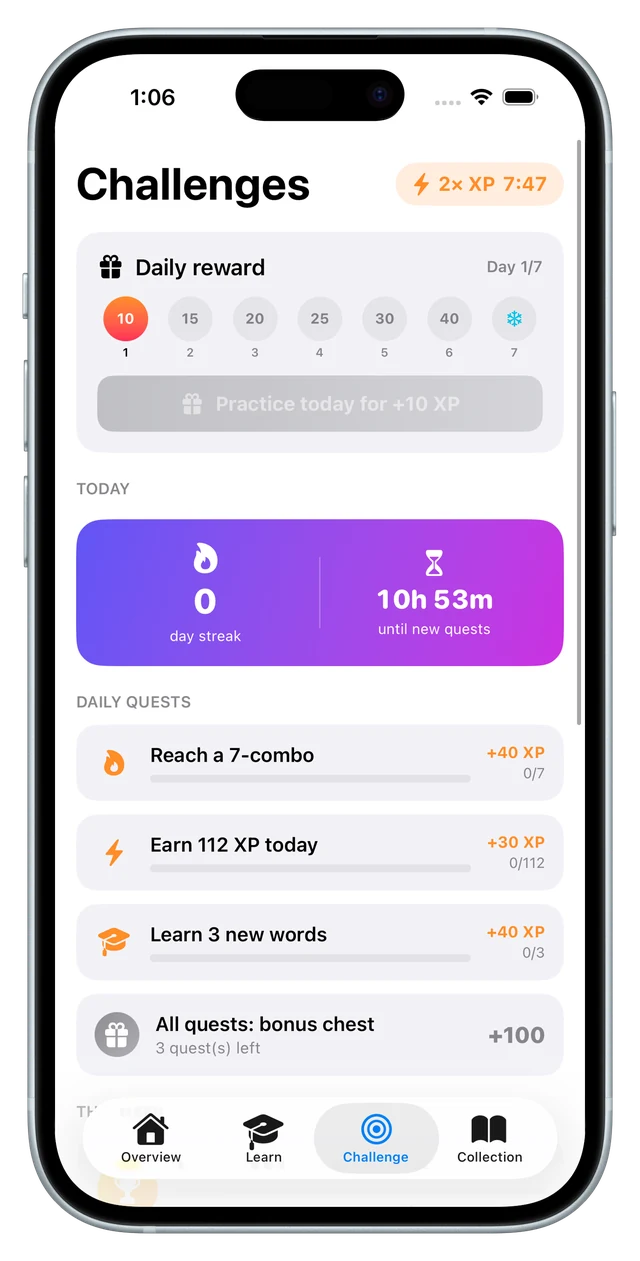
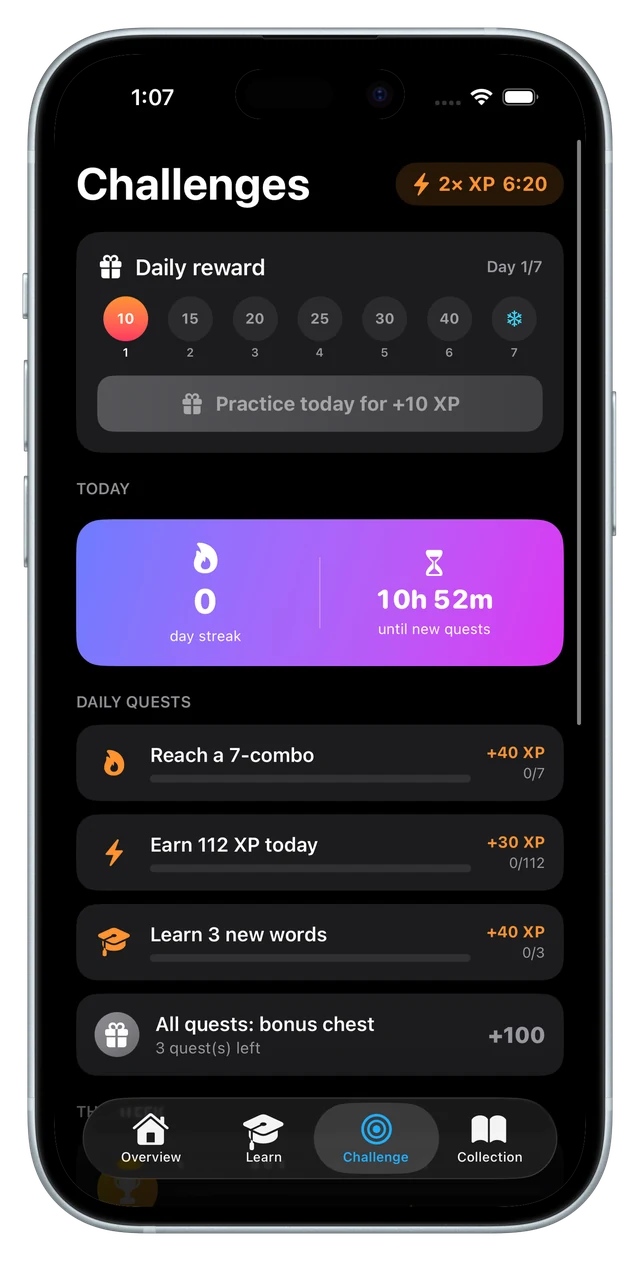
- Three daily quests whose targets scale with your level, plus a bonus chest for finishing all three
- A weekly challenge, a seven-day login reward and a booster chest that doubles XP for fifteen minutes
- A streak, protected by snowflakes you earn every five levels — one freezes a day, two repair a gap
- Twenty badges, a daily goal you set yourself, and a stats card you can share as an image
The part I'm most pleased with is the guard rail: a word only pays out once a day. Tapping the same easy cards over and over stops earning anything, while the real learning — schedule, status, history — keeps running underneath. A game layer that can be farmed is a game layer that stops meaning anything.
Reminders round it off, and they are all scheduled on the device: a daily nudge that can adapt to the hour you usually practise, a warning when the streak is at risk, a Sunday review and a nudge after two quiet days. Nothing leaves the phone to make any of that happen.
what I built
The product
Flashcards is a native iOS app — SwiftUI throughout, around 12,800 lines across 70 Swift files, built against iOS 26 and running entirely on-device. Going native was the whole point for me: I'm an app person (I'll take a native app over a browser tab every time), and I wanted to know first-hand what building with Swift and Xcode is like.
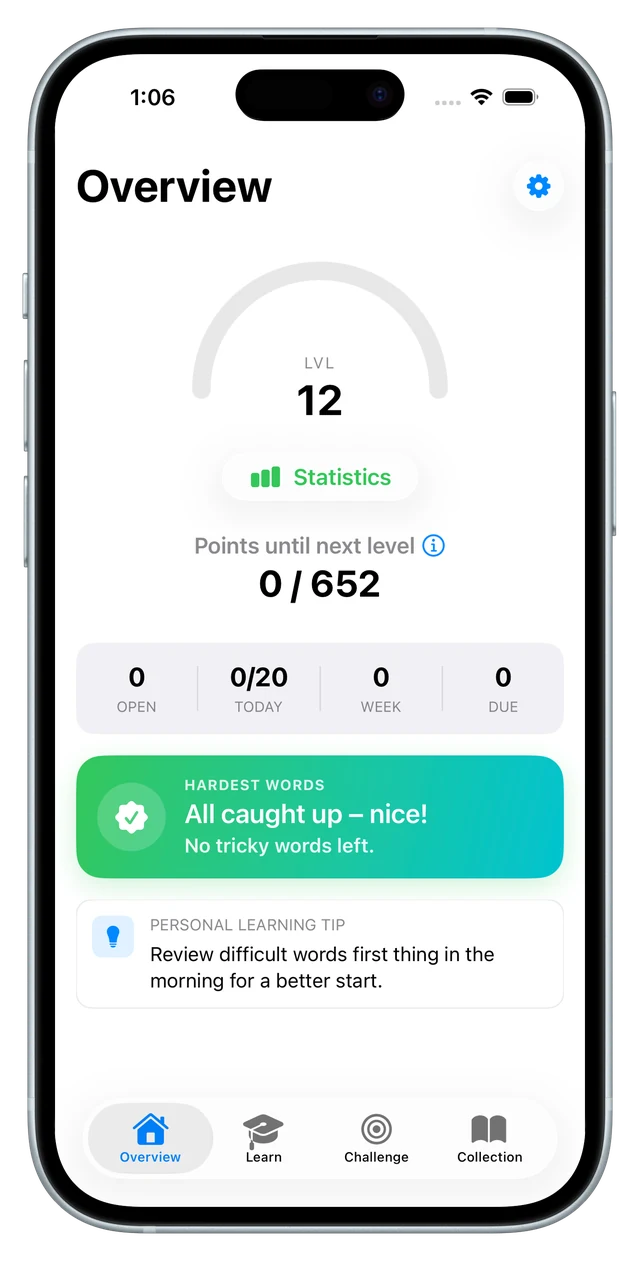
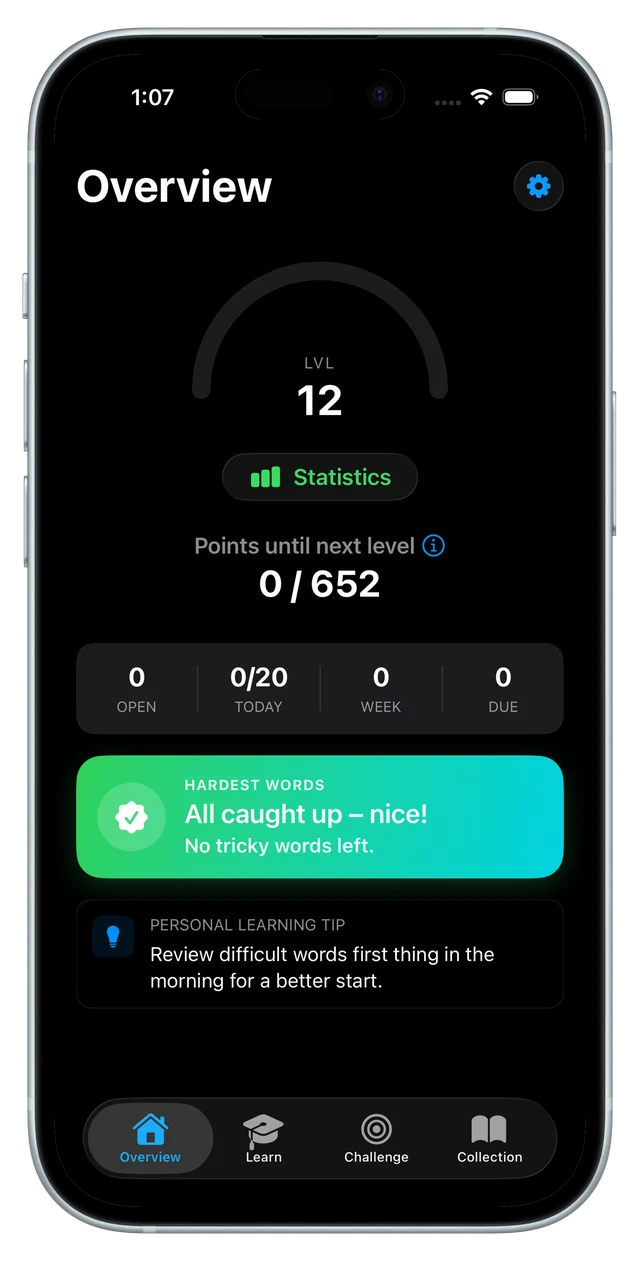
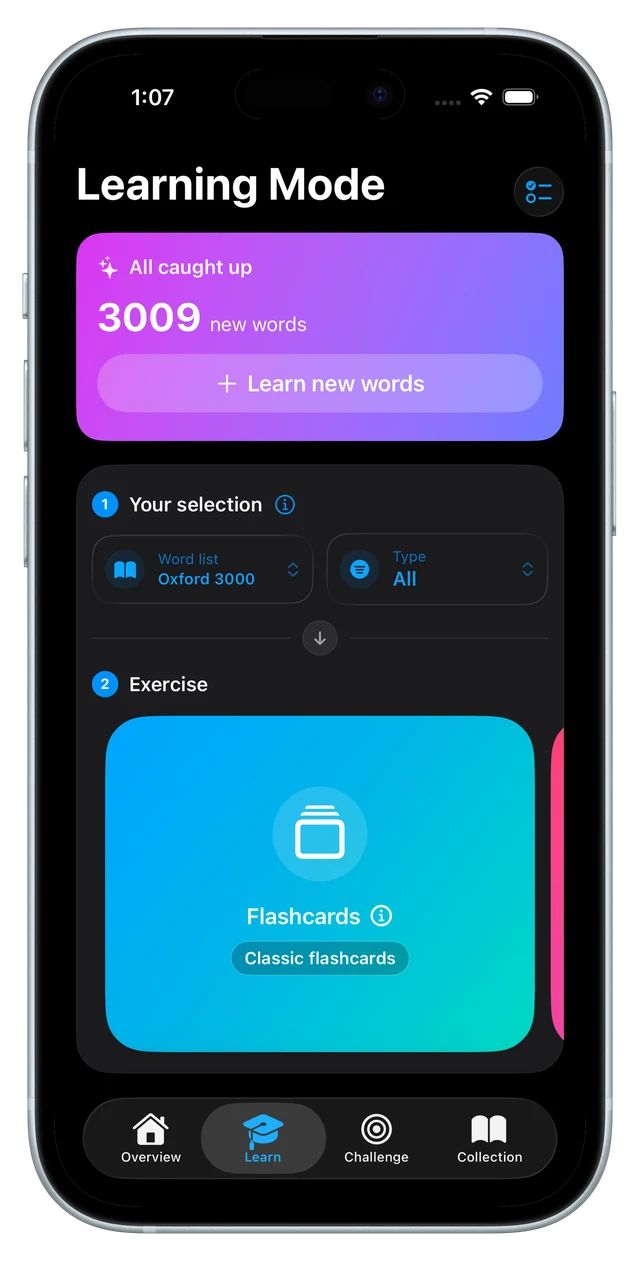
It has four tabs. Overview carries the level ring, the open/today/week/due counters, the hardest-words tile and the statistics behind it — accuracy over time, a streak heatmap, achievements. Learn holds the selection and the six modes. Challenge holds the quests and rewards. Collection holds the word lists, an A–Z glossary with search, favourites, status filters and a quick-add for your own words.
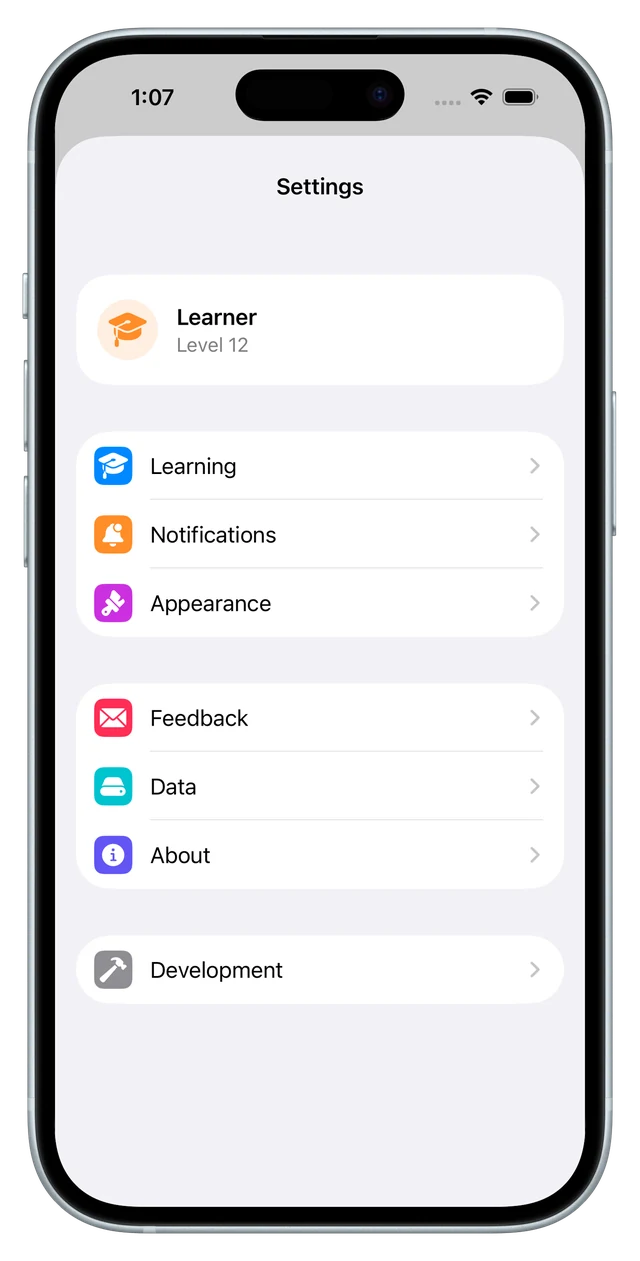
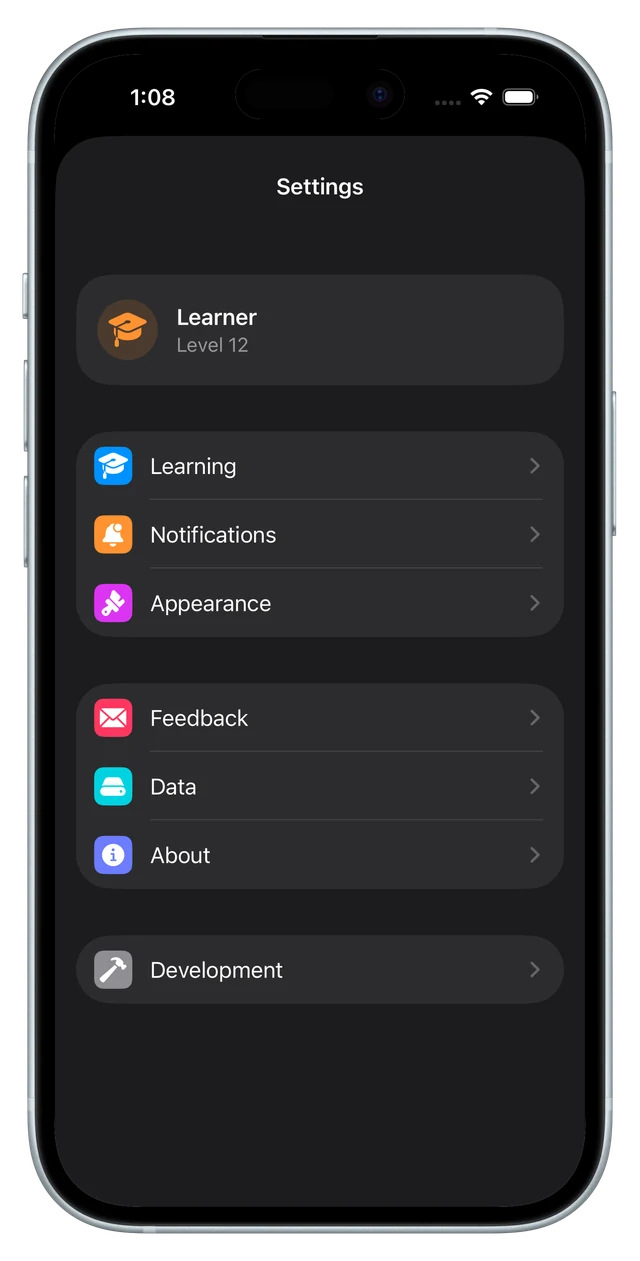
The settings turned into their own small product: practice, audio, haptics, daily goal, learning method, four kinds of reminder, week start, appearance, an in-app German/English switch for the entire interface, feedback straight into a mail draft, and a backup you can export to a file and import again on another device.
Under the hood it stays deliberately plain. Everything lives in UserDefaults behind a cache layer, screens refresh through notifications, and the whole German/English interface runs on a tiny L(de, en) helper rather than a localisation pipeline. The learning core — spaced repetition, XP, backup, gamification — is covered by 23 Swift Testing cases, which is the part I'd have called unnecessary before and would not give up now.
the rebuild
Rebuilding it with Claude Code
The first version, a year earlier, was built in tandem with ChatGPT — marking up code blocks, having them rewritten, and reading into Swift just enough to steer. That made the process slow and bug-prone, the architecture underneath was shakier than I'd like, and the project wasn't even in Git. It worked, but it was a first-app foundation.
The rebuild changed the method, not just the code. With Claude Code the project sits in a repository, changes arrive as commits I read, and the architecture is something I decide rather than something that emerges: an App layer, models, services, and views split by feature area. Fifty commits later it is a different app.
What that bought, concretely: real spaced repetition in place of the old counting-based promotion rules; a sixth mode; the whole challenge tab; local notifications; onboarding with a placement test; backup and restore; the badge system; the native tab bar; and a test target that lets me change the learning logic without holding my breath.
The lesson generalises past this app. My first attempt was AI writing code that I pasted; the second was AI working in my repository, on my structure, against my tests. The difference in what you can maintain afterwards is enormous — and it is the reason both Wunderplanning and Lawn Slide were built the way they were.
outcome
On hold — not abandoned
Both of the old reasons are gone. The foundation is no longer a liability: it is in Git, it is structured, it is tested. And the developer account exists now, so the seven-day re-signing that used to make the app quietly disappear off my phone is simply no longer a thing.
What is left is a shipping list, and it is a short one:
- CloudKit, so progress follows you across devices instead of living on one phone
- StoreKit 2 and the shop behind the word lists that are currently level-gated
- A full pass over the app — every mode, every edge, in one go
- App Store Connect: the listing, the review, the release
None of that is unclear work, it is just work that isn't happening right now. A game project slid in front of it, it already has its first users and its first purchases, and that earns priority: I'd rather finish one thing than keep four at eighty percent. So Flashcards is parked, deliberately, with a note of where to pick it back up.
The bigger takeaway went into everything since. Flashcards was my first full native app, and building it end to end — data model, learning logic, the XP maths, the charts, the whole SwiftUI interface — stretched me well past the web stack I usually reach for. It also cemented something I've leaned on ever since, through Wunderplanning and Lawn Slide: with today's tooling you don't need to be a programmer to ship real software — you need to be technically curious and know what you want.
It will be finished. Just not this month.