
case-study
Wunderplanning
A daily planner that keeps tasks, notes and to-dos in one place, private by default.
- Tasks & Notes
- Local-first
- Privacy-first
- Full-stack
- Personal SaaS
- React
- TypeScript
- Tailwind
- IndexedDB
- Neon Postgres
- Vercel
the problem
Why I built it
As a Product Owner running two products in parallel, my own planning was scattered across half a dozen tools: tasks in one app, notes in another, loose to-dos everywhere. Nothing kept them in one place, and nothing started from the question that matters each day: what am I focusing on now?
Heavy project tools were too much overhead for personal planning; plain notes were too loose to hold a real workflow. I wanted one opinionated place where tasks, notes and to-dos live together, and where my data stays mine.
the approach
The product decisions
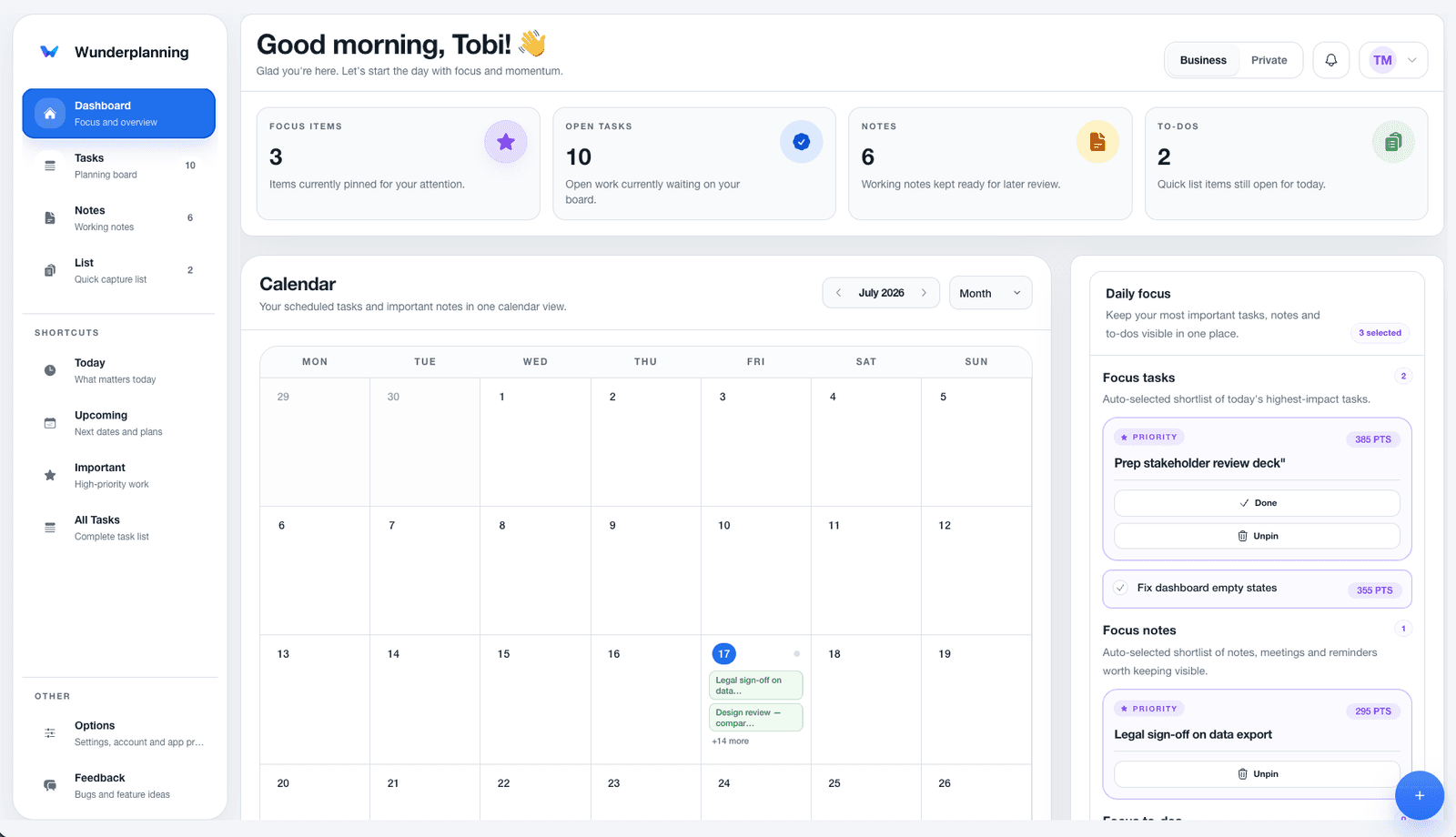
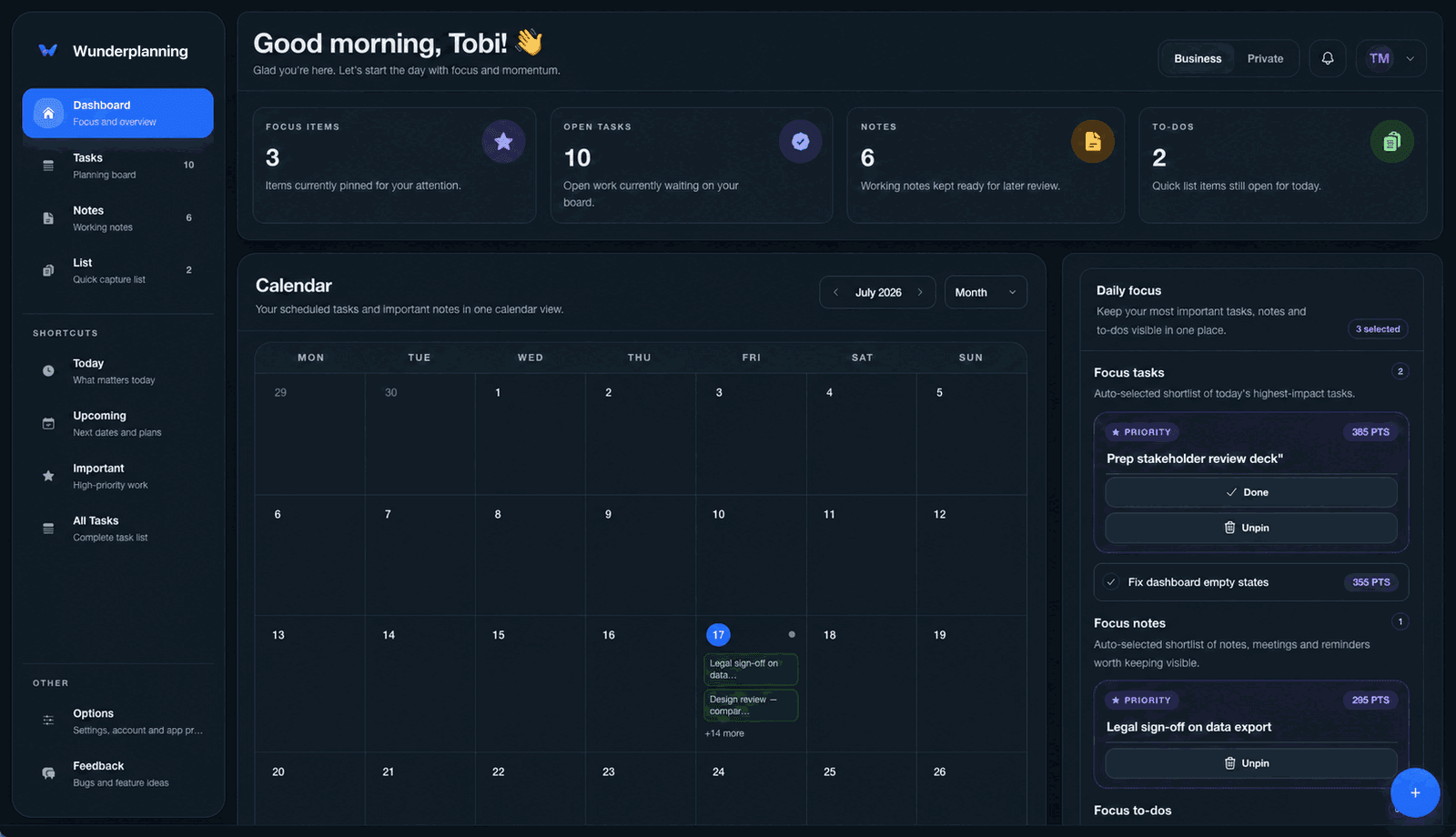
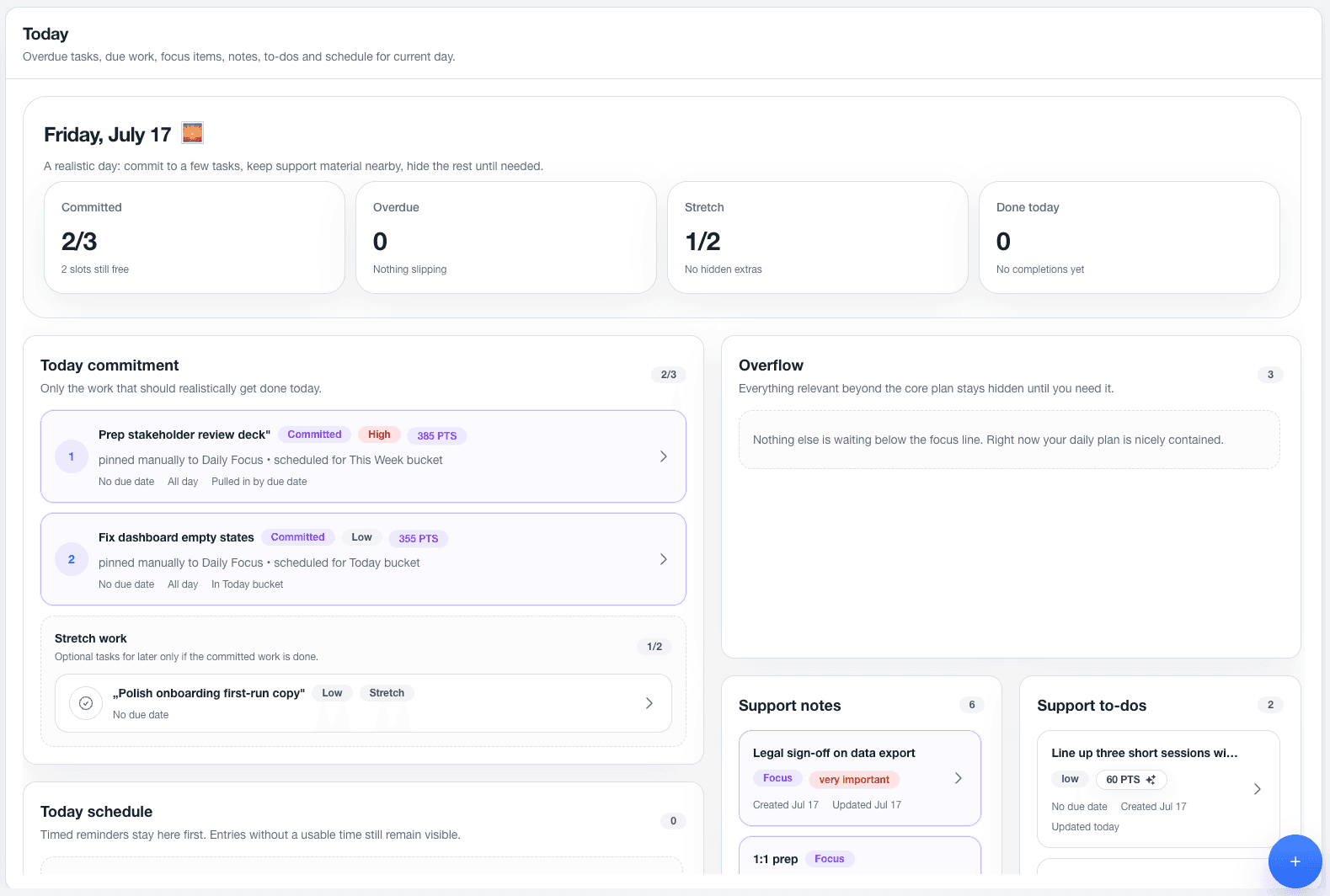
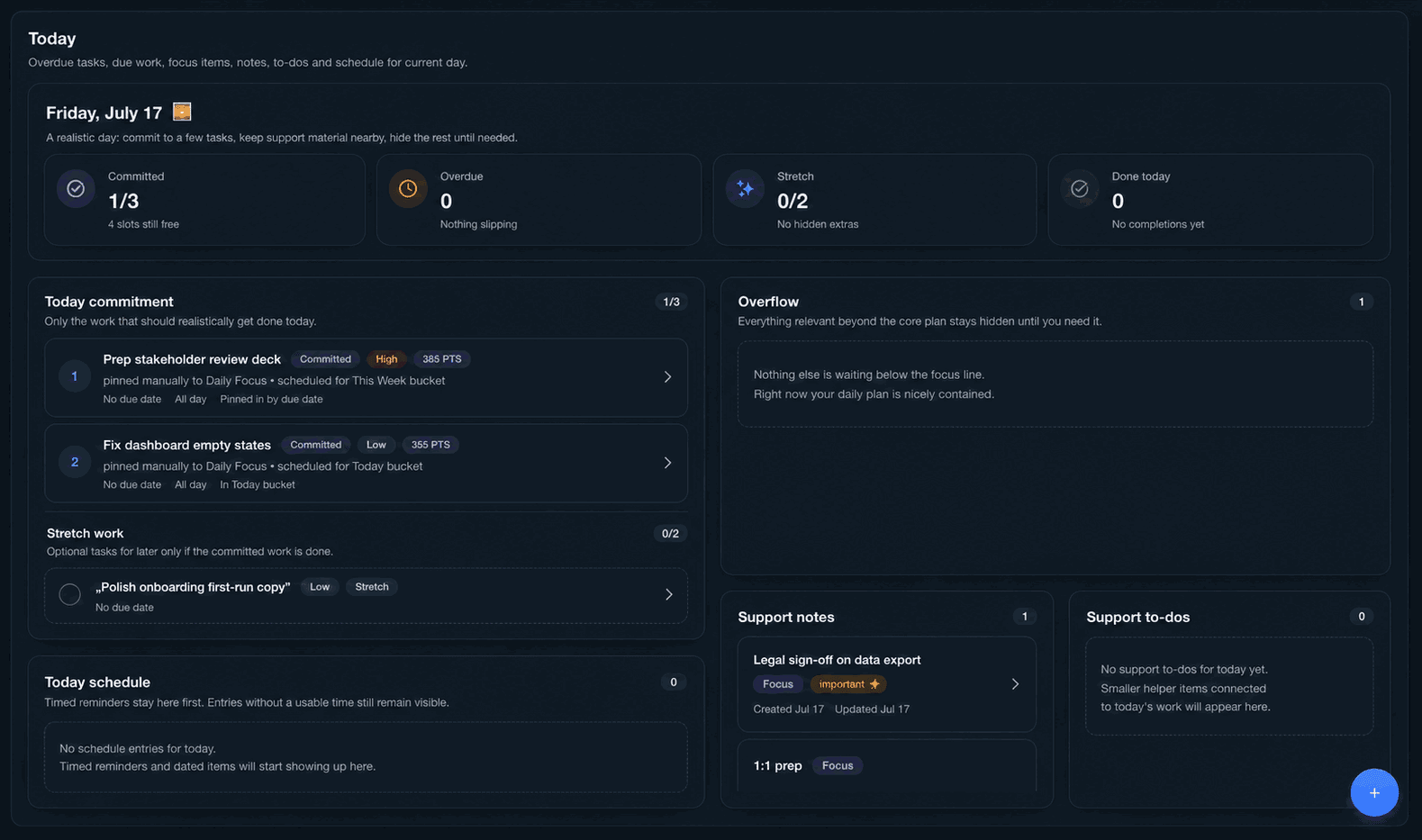
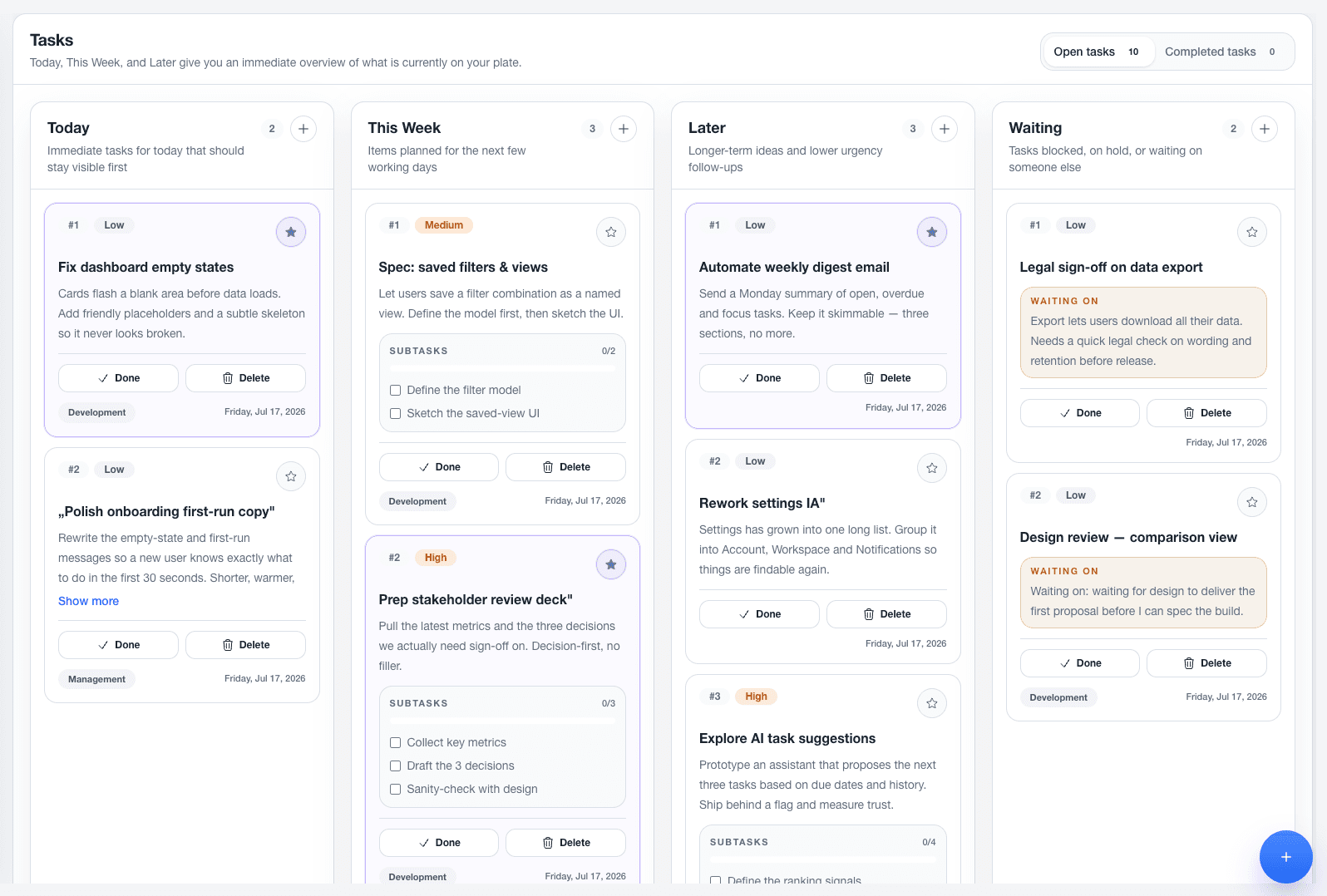
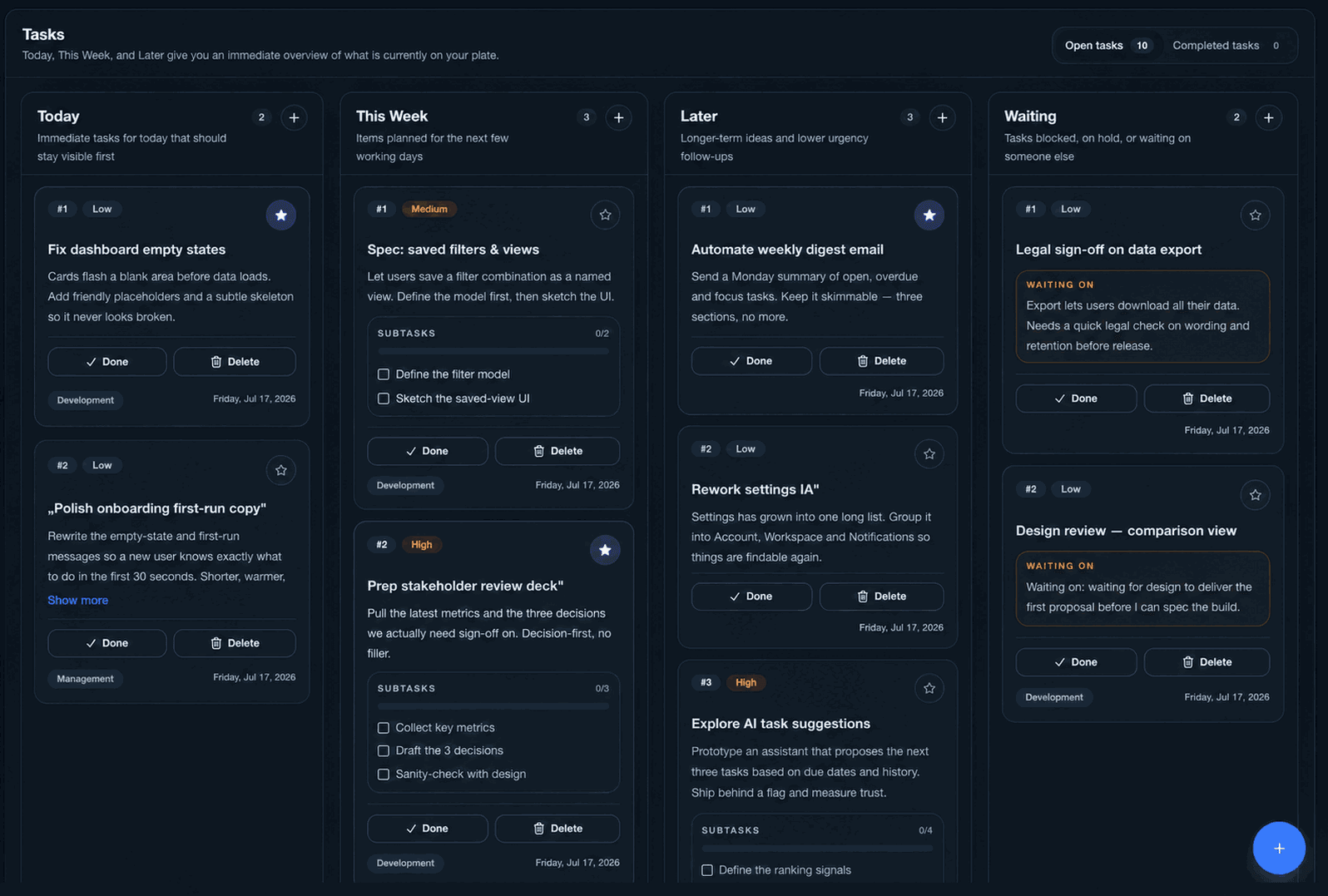
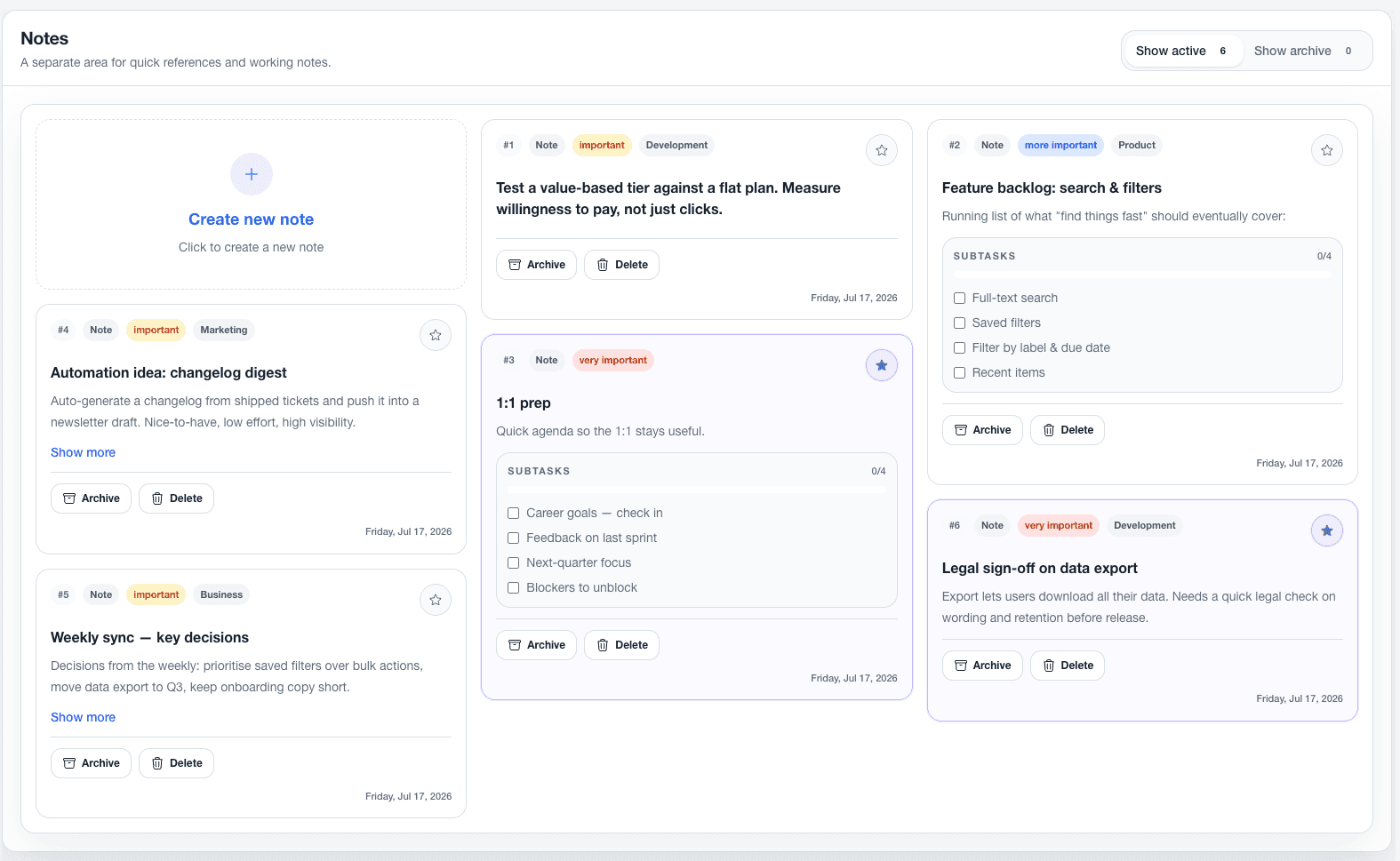
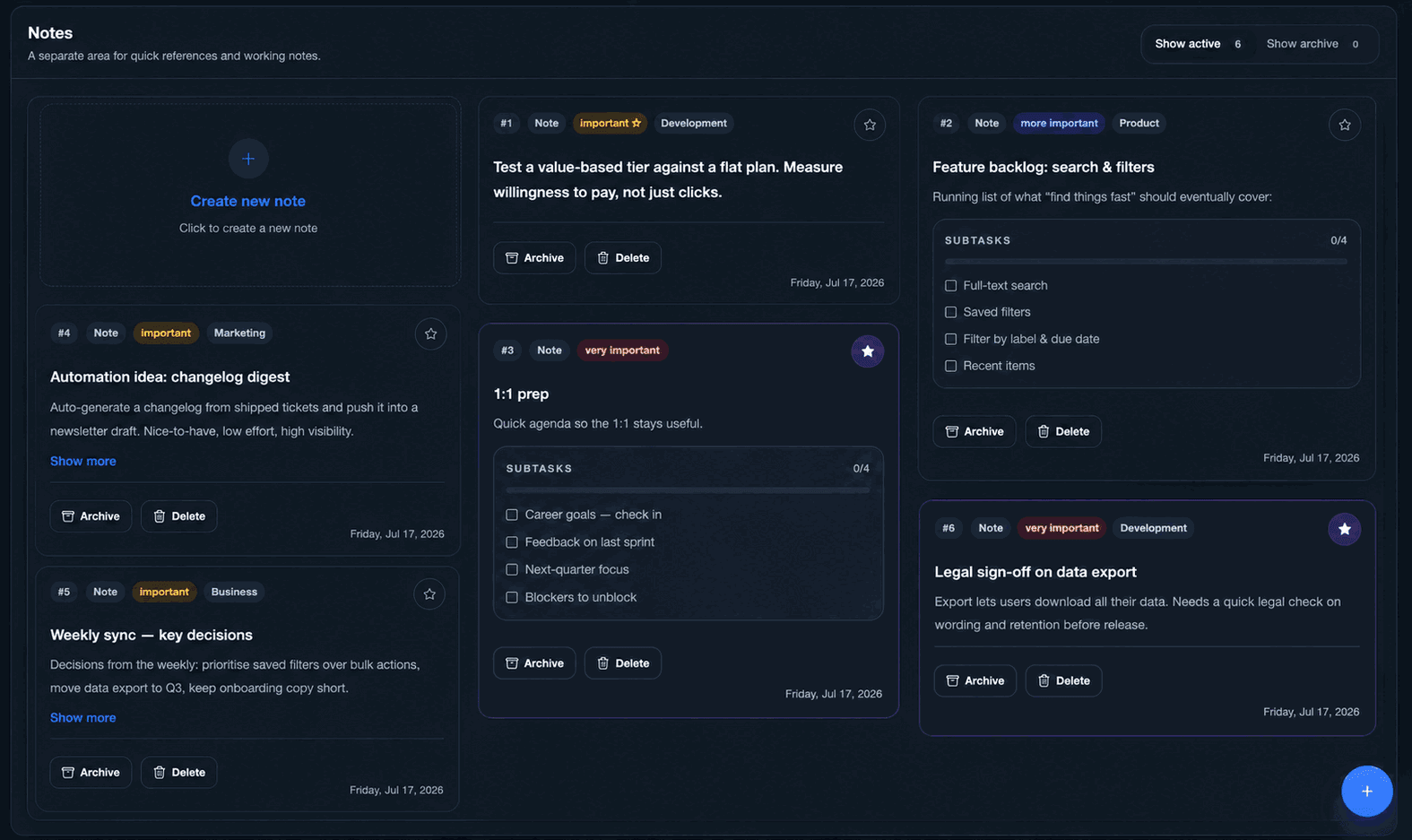
One board, three building blocks. Instead of separate apps, I put tasks, notes and to-dos on a single board, so capturing a thought never means switching context. The whole board loads and saves as one unit.
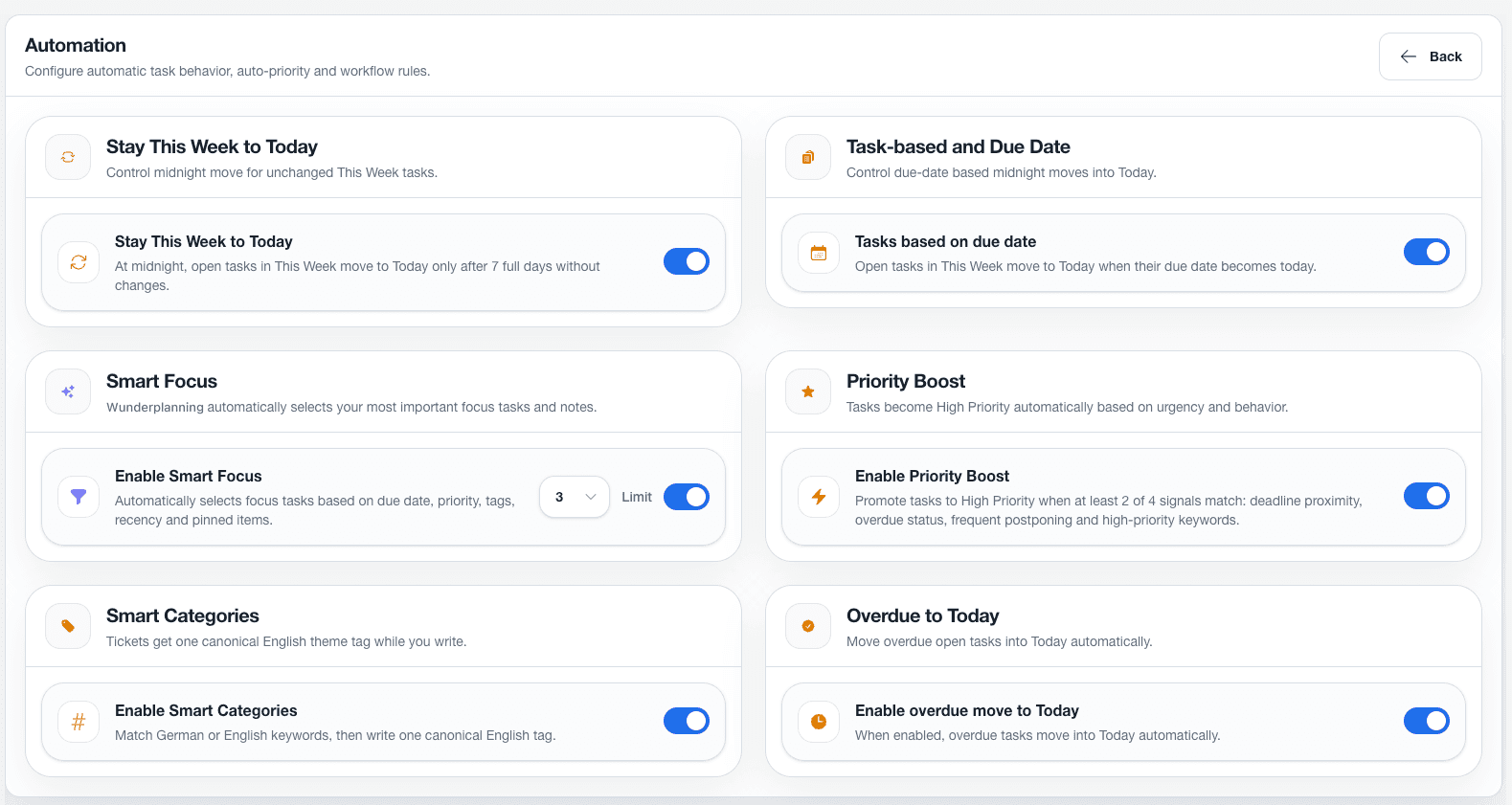
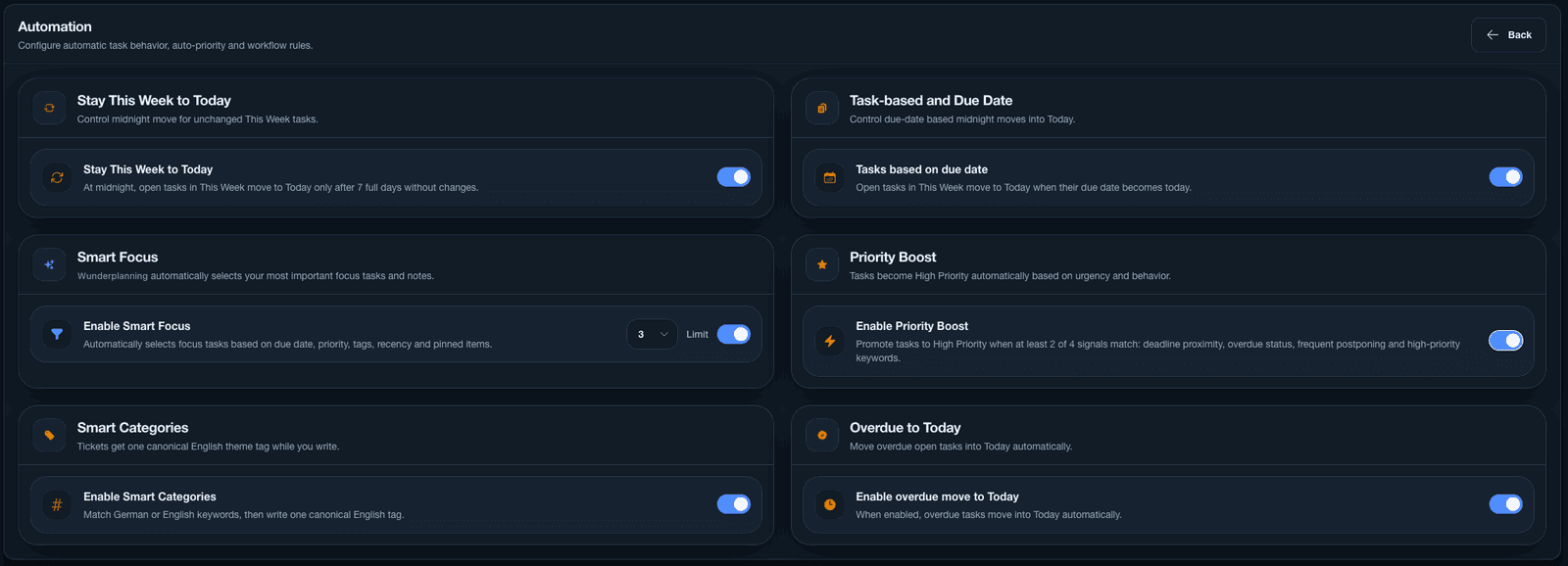
Focus over firehose. The day starts with a short commitment, a few tasks you can realistically finish, while everything else stays one click away in an overflow. Smart automations pick the focus, boost what is most urgent and keep the board tidy on their own.
Local-first, and the price it costs. Personal planning is personal, so I took the board out of the database and put it in the browser: tasks, notes, to-dos and attachments now live on your own device and are never sent to a server. Nothing to breach, nothing for me to read, nothing sitting in a backup of mine. The price is real, and I want to name it rather than hide it — there is no sync, so the board belongs to the browser you built it in. I decided that owning the data outright was worth more than opening the same board on a second machine.
No passwords at all. The other half of privacy is the account, so I took passwords out of the product entirely: signing in means asking for a magic link by email, and that link carries a one-time password, valid for fifteen minutes and burnt on first use. Nothing to choose, nothing to reuse from another site, nothing to phish — and no password hashes in my database, because there are no passwords to store.
Full-stack, solo. I designed and built all of it myself, front to back, which is also how I found out what my own decisions cost. The server now carries only what genuinely needs one: signing in, and the feedback people send me.
what I built
The product
Wunderplanning is a real, account-based planning app: a unified board for tasks, notes and to-dos, file attachments, an onboarding flow, in-app feedback, and export and backup of your own data. Signing in is passwordless: a magic link by email carrying a one-time password, good for fifteen minutes and a single use. There is no password to set, and none to lose.
Under the hood it's React, TypeScript and Tailwind, with the planner itself held in the browser: localStorage for the board, IndexedDB for attachments and for the backup folder you can point the app at on your own disk. Serverless API routes and a Neon Postgres database handle only the account, the sign-in session and feedback. Everything runs on Vercel.
It began the other way round, with the board in Postgres behind per-account encryption. Moving it onto the device is the largest change the product has been through, and the one I am most sure about. It was my personal SaaS testbed for product ideas and small, sharp tools I used every day.
outcome
What it changed
Shipping a full product solo, from the first user story down to the database schema and the infrastructure, changed how I work as a Product Owner. Making the trade-offs and living with the consequences sharpened how I scope, estimate, prioritise and write tickets in my day job.
For as long as it ran, I kept shaping it around how I actually plan — which was exactly the point of building it myself.
the end
Why I took it offline
Wunderplanning was the first web SaaS I actually launched. It ran well for more than half a year and reached its first active users, and more than anything it showed me how much is possible now when one person owns the product, the design and the code end to end. As a starting point, I couldn't have asked for better.
My direction has moved since. I want to build and place myself in native apps, and I'm carrying more projects in parallel than I can properly support — a product people plan their day with deserves more than occasional attention.
On privacy, compliance and storage I would also rather stand on a fixed foundation with clear rules, the way Apple defines them. Nothing was ever at risk here, with every planning item held on the user's own device, but I'd rather have that structure as a given than as something I build myself.
So I decided to take it offline. Not because it failed, but because it did exactly what I built it for.